
90% Off

Wireless Link Budget Simulator

Original price was: ₹169,999.00.₹16,999.00Current price is: ₹16,999.00.
In StockWireless Link Budget Simulator with Python is an RF and wireless communication analysis tool for calculating and evaluating wireless link performance, transmit power, received power, antenna gain, path loss, receiver sensitivity, and link margin. The Python-based simulator is suitable for RF engineers, researchers, students, and developers working on wireless communication, radio propagation, antenna systems, telecommunications, and wireless network planning.
Description
Wireless Link Budget Simulator
The Wireless Link Budget Simulator with Python is a powerful simulation and analysis tool designed to evaluate the performance of wireless communication links using link budget calculations. It is suitable for students, researchers, RF engineers, telecommunications professionals, wireless network developers, and Python programmers working with RF systems, wireless communication, radio propagation, antenna systems, and network planning.
A wireless link budget is an essential part of communication-system design. It helps determine whether a transmitted signal will reach the receiver with sufficient power for reliable communication. By considering factors such as transmit power, antenna gain, propagation loss, receiver characteristics, and other system parameters, a link budget provides valuable insight into the expected performance of a wireless link.
The Wireless Link Budget Simulator provides a convenient software-based environment for performing these calculations and studying wireless link performance using Python.
Wireless Link Budget Calculation
A wireless communication link involves several gains and losses between the transmitter and receiver. The link budget accounts for these factors to estimate the received signal power and determine whether the communication link has sufficient margin for reliable operation.
The simulator can be used to study important link budget parameters such as transmit power, transmitter antenna gain, receiver antenna gain, path loss, system losses, received power, and link margin.
By changing input values, users can evaluate how different system configurations affect the overall wireless link.
Python-Based Link Budget Simulation
The Wireless Link Budget Simulator with Python is designed for users who want to perform RF and wireless communication calculations within a flexible Python environment.
Python provides an effective platform for implementing mathematical models, automating calculations, analyzing results, and creating customized wireless communication simulations. Developers and researchers can use the simulator as part of Python-based workflows for wireless system design and analysis.
The Python environment also makes it easier to integrate link budget calculations with other models, datasets, visualization tools, or communication-system simulations.

Free Space Path Loss Analysis
One of the most important considerations in wireless link budget calculations is path loss. As a radio signal travels through space, its power decreases with distance. Free Space Path Loss (FSPL) is commonly used as a basic propagation model for analyzing ideal line-of-sight wireless links.
The simulator can help users understand how factors such as frequency and distance influence propagation loss. By modifying these parameters, users can investigate their impact on the received signal and overall link performance.
This makes the tool particularly useful for learning RF propagation concepts and evaluating wireless communication scenarios.
Analyze Transmit and Receive Power
The Wireless Link Budget Simulator can be used to examine the relationship between transmitted and received signal power. Transmit power represents the power supplied to the wireless transmission system, while received power represents the signal power available at the receiver after accounting for propagation losses and system gains.
Analyzing these values helps users understand whether a wireless link has sufficient signal strength for the intended application.
The simulator can therefore be used for wireless link planning, RF system analysis, antenna studies, and communication-system design.

Antenna Gain and System Parameters
Antennas play an important role in wireless communication performance. Antenna gain affects the effective transmission and reception of radio signals and therefore has a direct impact on the link budget.
By incorporating antenna-related parameters into link budget calculations, users can evaluate how different antenna configurations influence wireless link performance.
The simulator can also be used to explore the effects of other system-level gains and losses, providing a more complete understanding of wireless link design.
Receiver Sensitivity and Link Margin
A wireless receiver must receive a signal above a certain level to operate reliably. Receiver sensitivity is therefore an important consideration when evaluating a communication link.
Comparing calculated received power with receiver sensitivity can help determine whether the link has adequate operating margin.
The simulator can support analysis of link margin, received signal power, and overall communication reliability, helping users understand the relationship between system parameters and wireless link performance.

Applications of Wireless Link Budget Simulator
The Wireless Link Budget Simulator with Python can be used for:
- Wireless link budget calculations
- RF link analysis
- Free Space Path Loss calculations
- Wireless network planning
- Radio communication design
- Antenna system analysis
- Transmit and receive power analysis
- Receiver sensitivity studies
- Link margin analysis
- RF propagation studies
- Telecommunications research
- Wireless communication simulation
- Satellite communication studies
- Microwave communication analysis
- IoT wireless link planning
- Academic and engineering projects
Educational and Academic Applications
The simulator is particularly useful for students studying wireless communication, RF engineering, antenna theory, telecommunications, radio propagation, and communication systems.
Link budget calculations can involve multiple variables and mathematical relationships. A simulation tool provides students with a practical way to change parameters and immediately examine how those changes affect the wireless link.
For example, users can experiment with transmission distance, frequency, antenna gain, and transmit power to understand their effect on received signal strength and link performance.
This makes the simulator suitable for laboratory demonstrations, engineering assignments, academic projects, and communication-system coursework.

RF Engineering and Wireless System Design
RF engineers can use link budget analysis during the early stages of wireless system design. Before deploying physical equipment, engineers can estimate whether a proposed wireless link is likely to provide sufficient signal levels.
The Python-based simulator can therefore serve as a useful tool for preliminary RF planning, wireless network design, propagation analysis, and communication-system evaluation.
It can also be used to compare different design scenarios and identify parameters that may need adjustment to achieve the required link performance.
Key Features
- Python-based wireless link budget simulation
- RF link budget calculation
- Wireless communication analysis
- Transmit power analysis
- Received power calculation
- Antenna gain analysis
- Free Space Path Loss analysis
- Frequency and distance evaluation
- Receiver sensitivity analysis
- Link margin evaluation
- Wireless propagation analysis
- RF system design support
- Suitable for academic and engineering projects
- Useful for telecommunications research
- Python-based calculation and experimentation
Why Choose a Wireless Link Budget Simulator with Python?
The Wireless Link Budget Simulator with Python provides a practical way to understand and evaluate the key factors that influence wireless communication links. By combining link budget calculations with Python-based simulation, users can experiment with different RF parameters and analyze their impact on received signal power and link performance.
Whether you are a student learning wireless communication, an RF engineer planning a radio link, a researcher studying propagation, or a developer working on wireless systems, the simulator provides a flexible environment for link budget analysis, RF calculations, wireless network planning, and communication-system design.
It helps bridge the gap between theoretical RF concepts and practical wireless system analysis by providing a repeatable software-based environment for evaluating different link configurations.
Related products
-
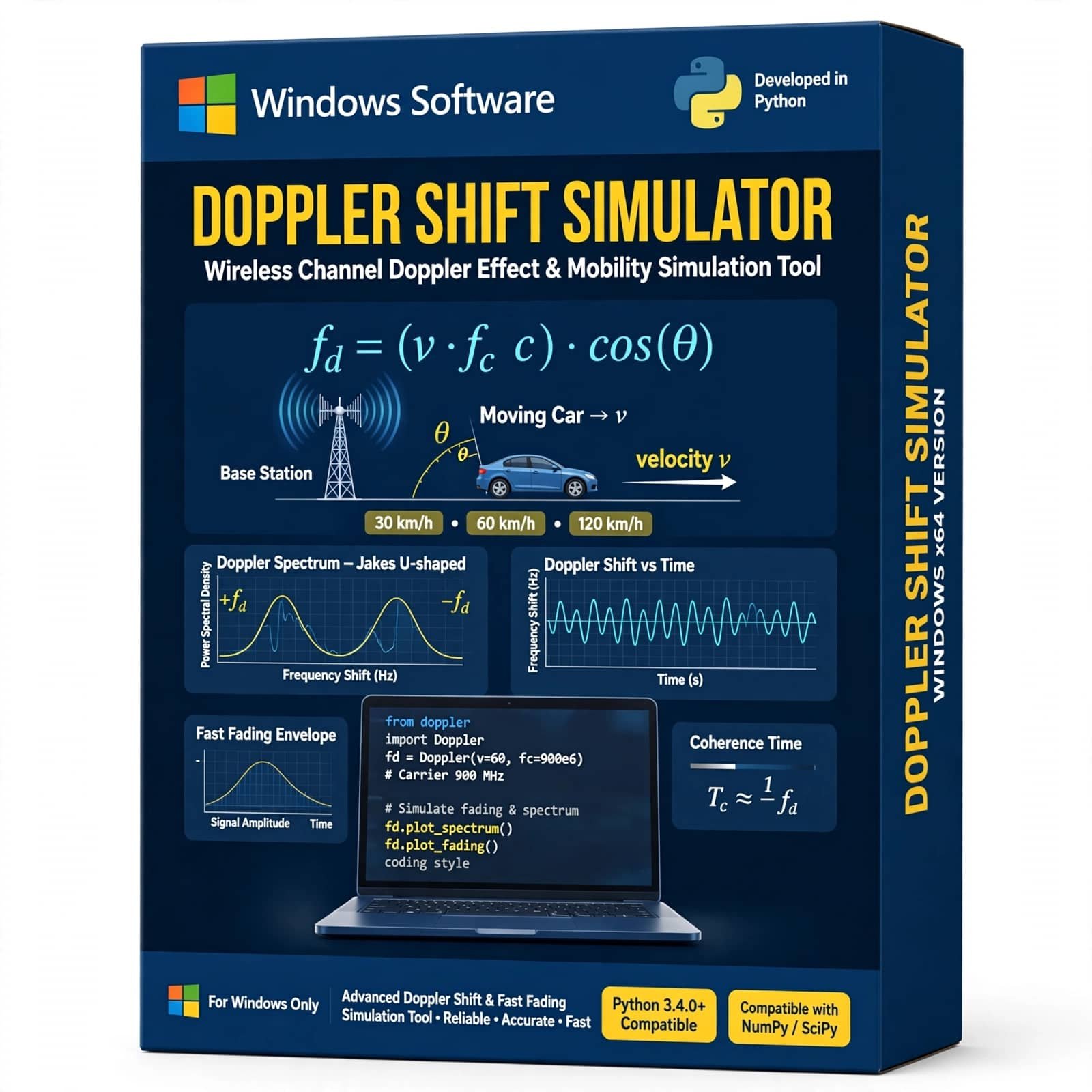
Doppler Shift Simulator Using Python is a practical wireless communication simulation tool for studying the Doppler effect and frequency shift caused by relative motion between a transmitter and receiver. It helps students, researchers, and communication engineers analyze Doppler frequency, carrier frequency, velocity, and mobile channel effects through Python-based simulation.
Original price was: ₹6,999.00.₹2,499.00Current price is: ₹2,499.00. -
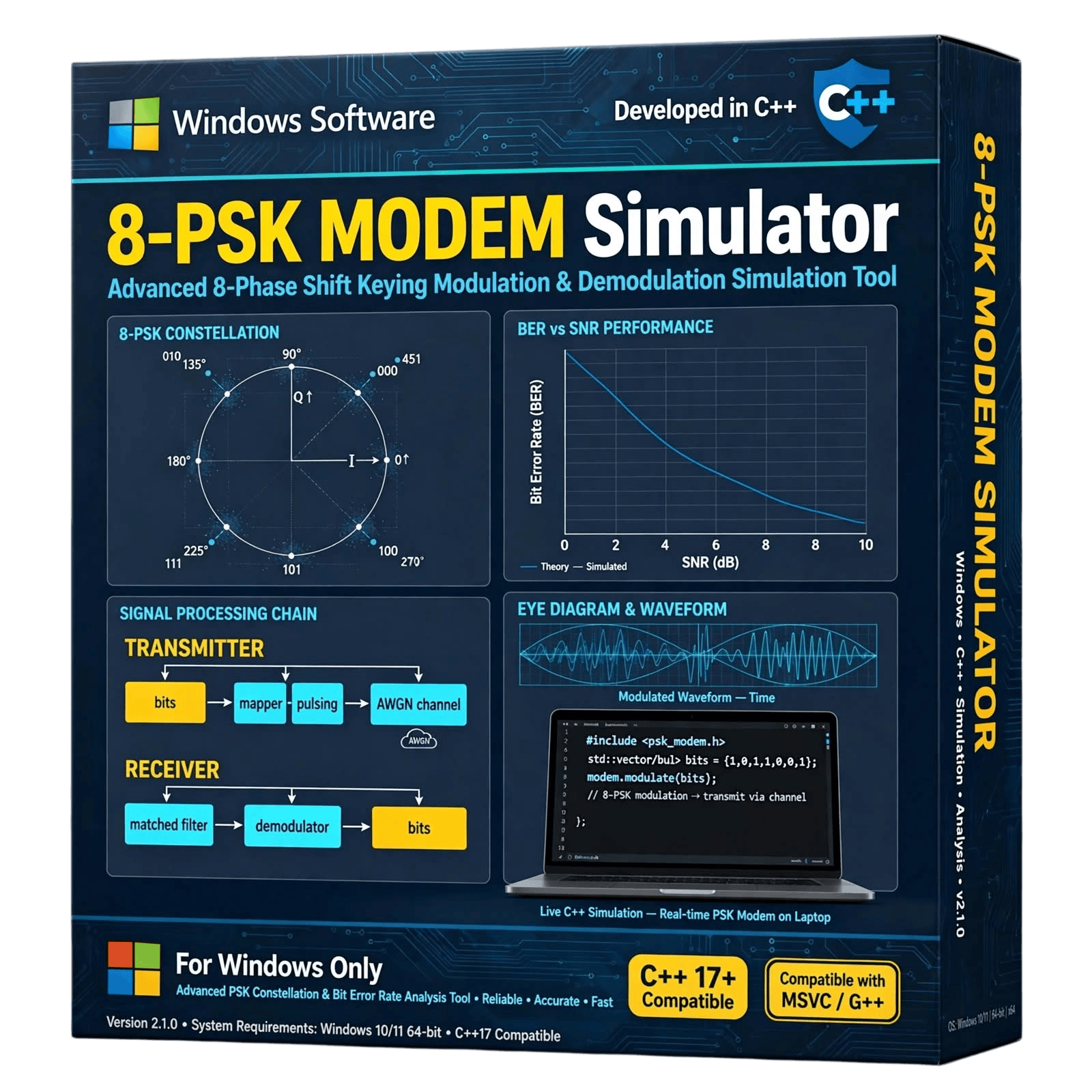
The 8-PSK Modem Simulator is a C++-based software solution designed for students, researchers, communication engineers, developers, and academic institutions working with digital communication and modulation techniques. The simulator provides a practical environment for studying 8-Phase Shift Keying (8-PSK) modulation and demodulation concepts.
Developed using C++, the simulator can be used for digital communication research, academic projects, laboratory demonstrations, signal-processing studies, experimentation, and educational purposes.
Available for sale as a software product. Contact us for pricing, licensing, technical specifications, customization, and purchase information.
₹1,999.00 -
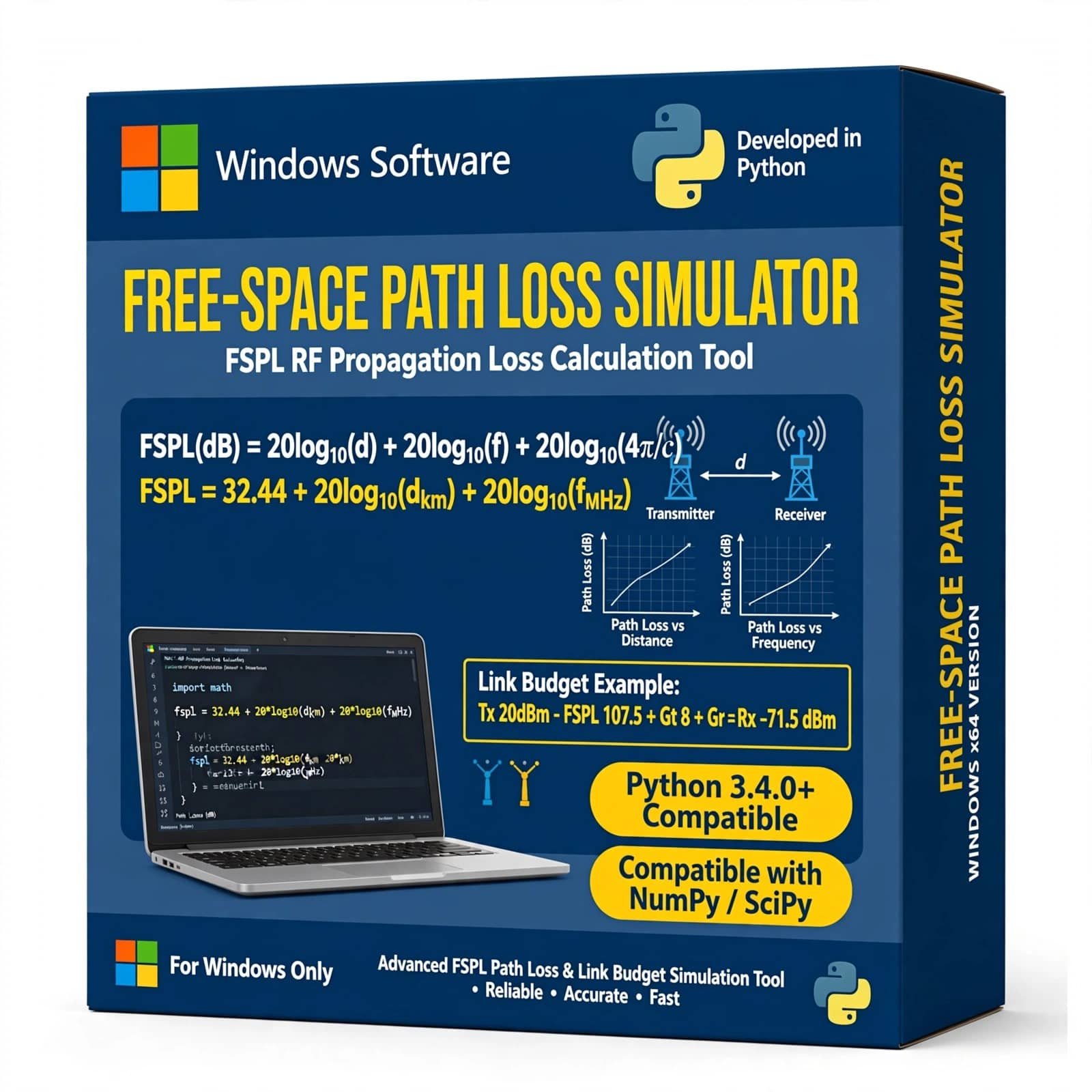
Free Space Path Loss Simulator Using Python is a practical wireless communication simulation project designed to calculate and visualize signal power loss as a radio wave travels through free space. Developed using Python, this simulator helps students, researchers, and communication engineers understand Free Space Path Loss (FSPL), transmission distance, frequency, received signal power, and wireless link performance.
The project provides an easy-to-understand simulation environment for analyzing how distance and operating frequency affect signal propagation. It is suitable for B.Tech, M.Tech, engineering students, academic projects, wireless communication studies, RF analysis, and Python-based simulation projects.
₹1,999.00 -
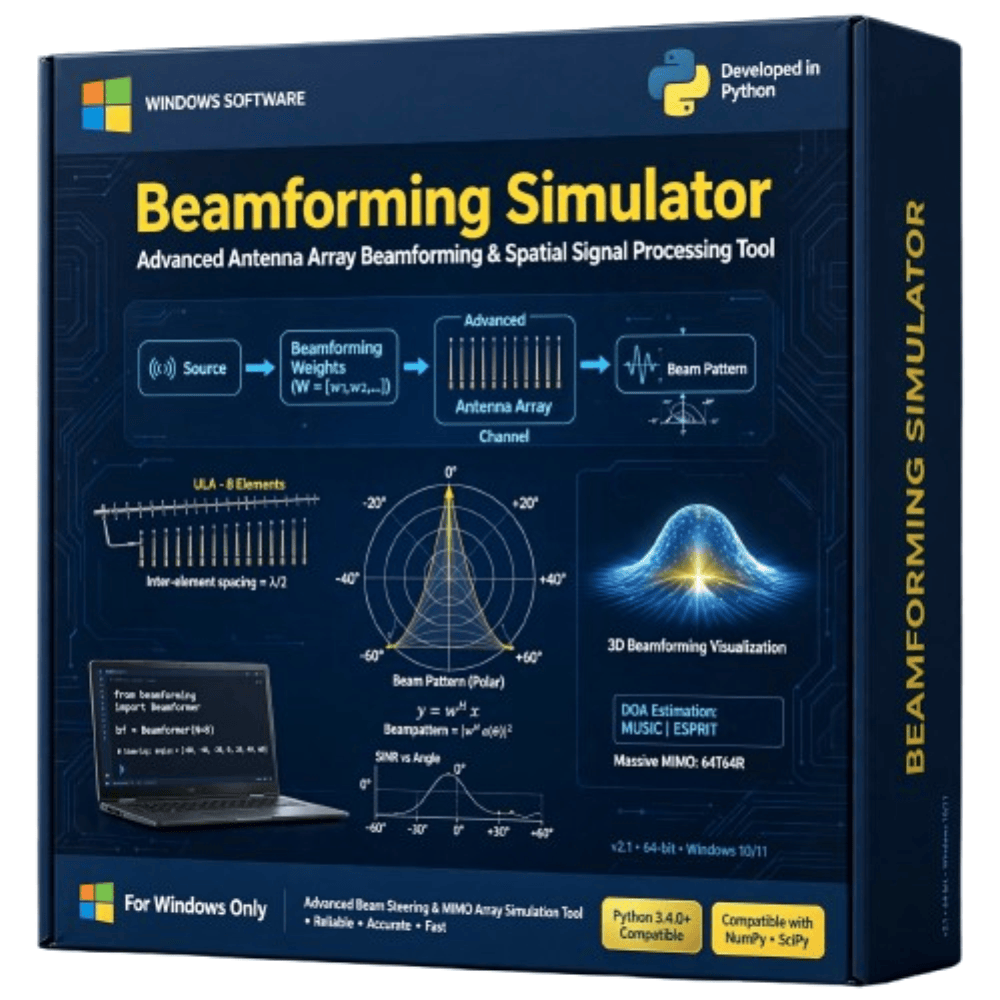
The Beamforming Simulator is a practical wireless communication simulation project designed to demonstrate how antenna arrays can control and direct radio-frequency signals toward desired users or directions. The simulator helps visualize beam patterns, signal direction, antenna-array behavior, and beam steering under different parameters. It is suitable for studying beamforming, antenna arrays, MIMO, 5G communication, wireless networks, and signal processing. This project is ideal for engineering students, researchers, and learners working on wireless communication and advanced antenna technologies.
₹1,999.00 -
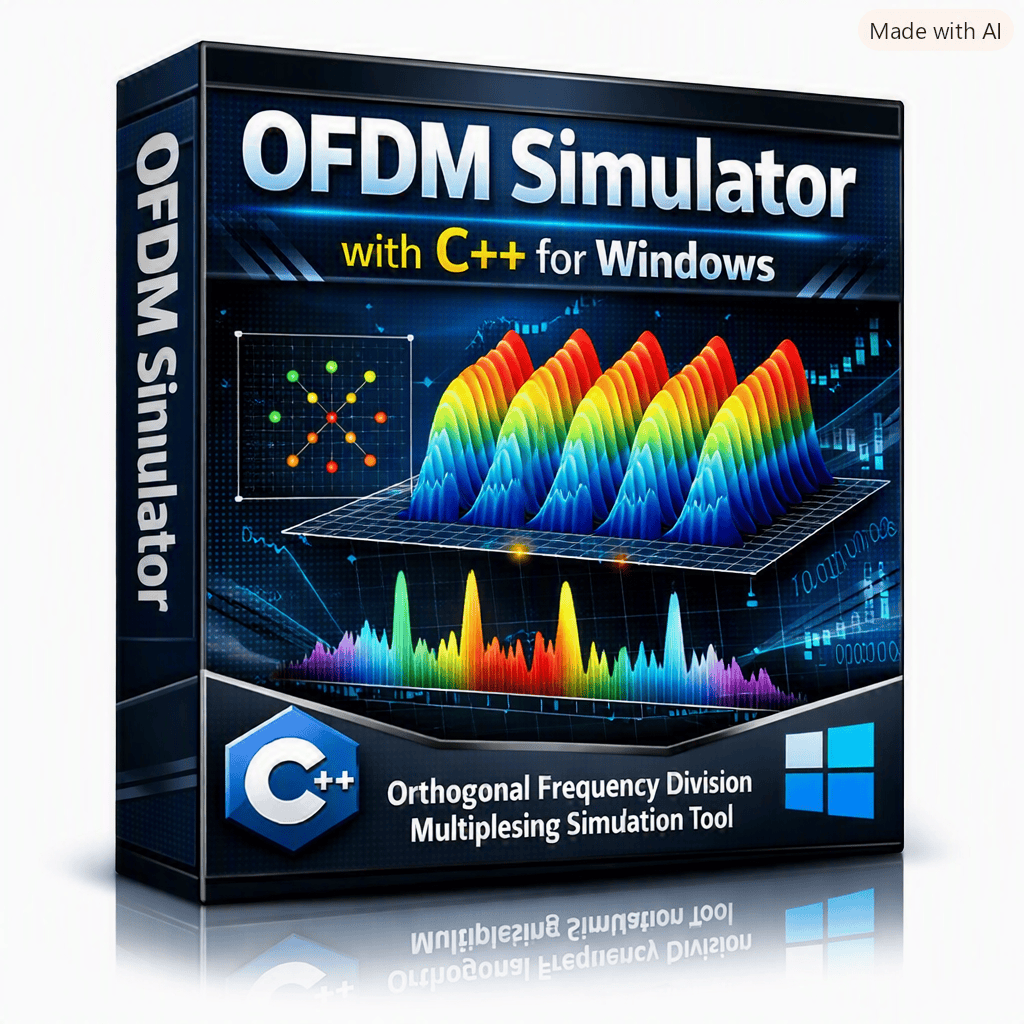
OFDM Simulator – C++ Educational Software is an interactive learning and simulation tool for understanding Orthogonal Frequency Division Multiplexing (OFDM) and digital communication concepts. Developed using C++, it allows users to configure FFT/IFFT size, active subcarriers, cyclic prefix length, modulation, SNR, and number of OFDM symbols while visualizing the resulting time-domain waveform, spectrum, and constellation. The simulator also provides measurable results such as PAPR, BER, Eb/N0, simulated bits, and cyclic-prefix overhead.
₹1,999.00 -

GSM TDMA Simulator with Python is a software-based telecom simulation tool for studying GSM Time Division Multiple Access (TDMA), time-slot allocation, GSM frame structures, channel sharing, and wireless communication concepts. Developed using Python, it is suitable for students, researchers, telecom engineers, universities, and laboratories for GSM education, practical experiments, network simulation, and academic projects.
₹3,999.00


Reviews
There are no reviews yet.