
New
87% Off

Accumulator vs General Purpose Register (GPR) Simulator
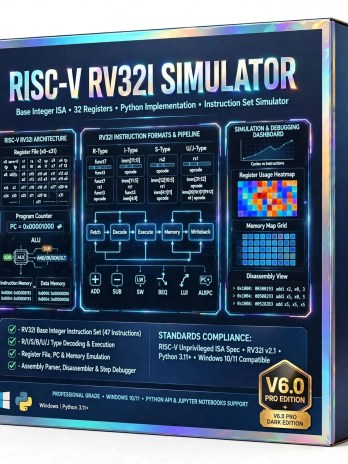
Original price was: ₹750.00.₹100.00Current price is: ₹100.00.
In StockPython-based Accumulator vs General Purpose Register Simulator for Windows. Compare 1-Address vs 3-Address CPU architecture, cycles, CPI & performance in real-time. An educational Python simulator that compares Accumulator (1-Address) vs General Purpose Register (2/3-Address) CPU architectures side-by-side. Tried to emulates datapath, register file, ALU & memory, runs the same program on both machines, and provides performance analysis – instruction count, code size, memory access, CPI, and execution time graphs. Built in pure Python for Windows 7+. Ideal for Computer Architecture labs and understanding modern CPU design evolution.
Description
Accumulator vs General Purpose Register (GPR) Simulator
Accumulator vs General Purpose Register (GPR) Simulator with Python – Understand CPU Architectures Through Interactive Simulation
How does a CPU really work? What makes modern processors faster than early computers? The answer lies in register organization. Introducing the Accumulator vs General Purpose Register (GPR) Simulator built in Python for Windows – a powerful, educational, and professional-grade tool that visually compares two foundational CPU architectures side-by-side.
This simulator is designed for students, professors, and developers studying Computer Organization, Computer Architecture, and Microprocessor Design. Instead of just reading theory about 1-address vs 2-address vs 3-address instructions, you can now execute the same program on both architectures and see the difference in real-time – in instruction count, cycle count, code size, and memory access.

What Does This Simulator Do?
The simulator implements two complete virtual CPUs in pure Python:
- Accumulator Architecture (The Classic 1-Address Machine):
This is the architecture used in early computers and simple microcontrollers. It has a single special register called the Accumulator (AC). All arithmetic and logic operations happen between the AC and memory. For example, to add two numbers you need: LDA A (Load A to AC), ADD B (AC = AC + B), STA C (Store AC to C). The simulator emulates the Program Counter (PC), Instruction Register (IR), Accumulator, Memory, and ALU with a strict fetch-decode-execute cycle. It helps you understand why accumulator machines have simple hardware but need more instructions and memory accesses. - General Purpose Register Architecture (The Modern GPR Machine):
This is the architecture used in all modern processors like Intel x86, ARM, and RISC-V. It features a register file with 8, 16, or 32 general-purpose registers (R0, R1, R2…). It supports 2-address and 3-address instructions like ADD R1, R2, R3 and MOV R1, #5. The simulator shows a complex datapath where multiple registers can feed the ALU simultaneously. You will instantly see why GPR reduces memory traffic, lowers instruction count, and improves CPI (Cycles Per Instruction).
Key Features for Learning and Research:
Complete ISA Emulation: Includes custom instruction sets for both architectures – LDA, STA, ADD, SUB, AND, OR, JMP, JZ for Accumulator; and MOV, ADD, SUB, MUL, LOAD, STORE, JMP, BEQ for GPR. Supports multiple addressing modes: direct, immediate, and register addressing.
Visual Datapath & Control Unit: Watch the data flow through registers, ALU, and memory. The simulator provides animated diagrams of the Von Neumann model implementation, making abstract concepts concrete.
Performance Analysis Dashboard: This is the core USP. The simulator automatically generates a comparative report for every program run:
- Total Instruction Count (Accumulator always higher)
- Code Size in Bytes
- Total Memory Accesses
- Clock Cycles and CPI
- Execution Time Comparison Graph
- Register Usage Heatmap
Python-Powered and Windows Ready: Built in 100% pure Python 3.11+ with zero heavy dependencies. Runs flawlessly on Windows 10/11. Includes Python API and Jupyter Notebook support, so you can integrate it into your lab assignments, create your own test programs, and plot performance graphs using Matplotlib. Clean, object-oriented, well-commented code that is easy to extend for Stack and Zero-Address architectures as well.
Why This Simulator is Essential?
If you search for “Accumulator vs GPR simulator”, “CPU architecture comparison tool”, “GPR vs Accumulator Python”, or “Computer Organization simulator Python”, you will find mostly theory. This tool gives you hands-on experimentation. It answers critical exam and interview questions: Why did we move from Accumulator to GPR? How does register organization affect instruction format? What is the trade-off between hardware complexity and software efficiency?
Perfect for B.Tech, M.Tech, BCA, MCA, and GATE/NET preparation, academic projects, and for any embedded developer wanting to understand CPU design fundamentals before learning RISC-V or ARM. Download now and visually prove why modern CPUs use General Purpose Registers.
Related products
-
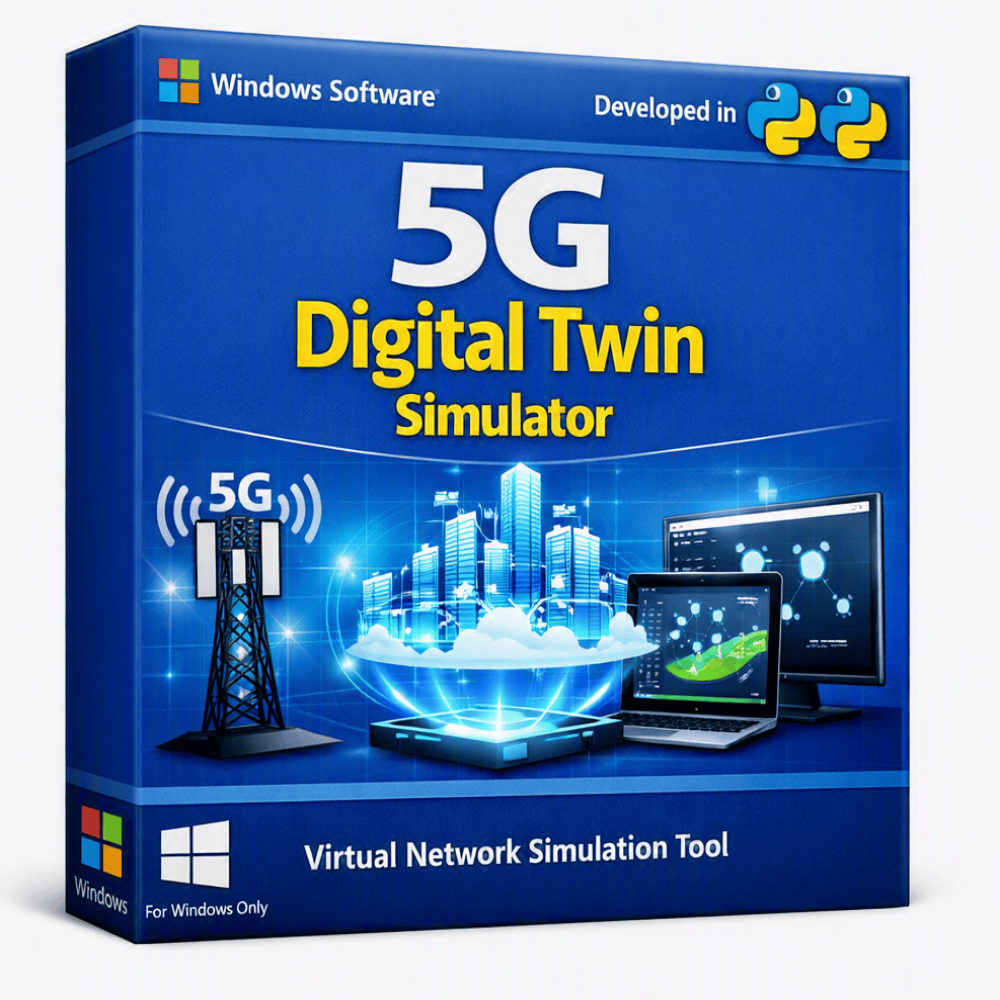
A Python-based 5G Digital Twin solution for creating a virtual representation of 5G network environments, components, and operational behavior. Designed for 5G research, network analysis, simulation, optimization, and academic projects, it enables users to model network scenarios, monitor virtualized network behavior, and experiment with different configurations in a controlled software environment.
Ideal for telecom engineers, researchers, developers, students, and academic institutions working on 5G network planning, performance analysis, intelligent network management, and digital twin research.
Original price was: ₹750.00.₹250.00Current price is: ₹250.00. -
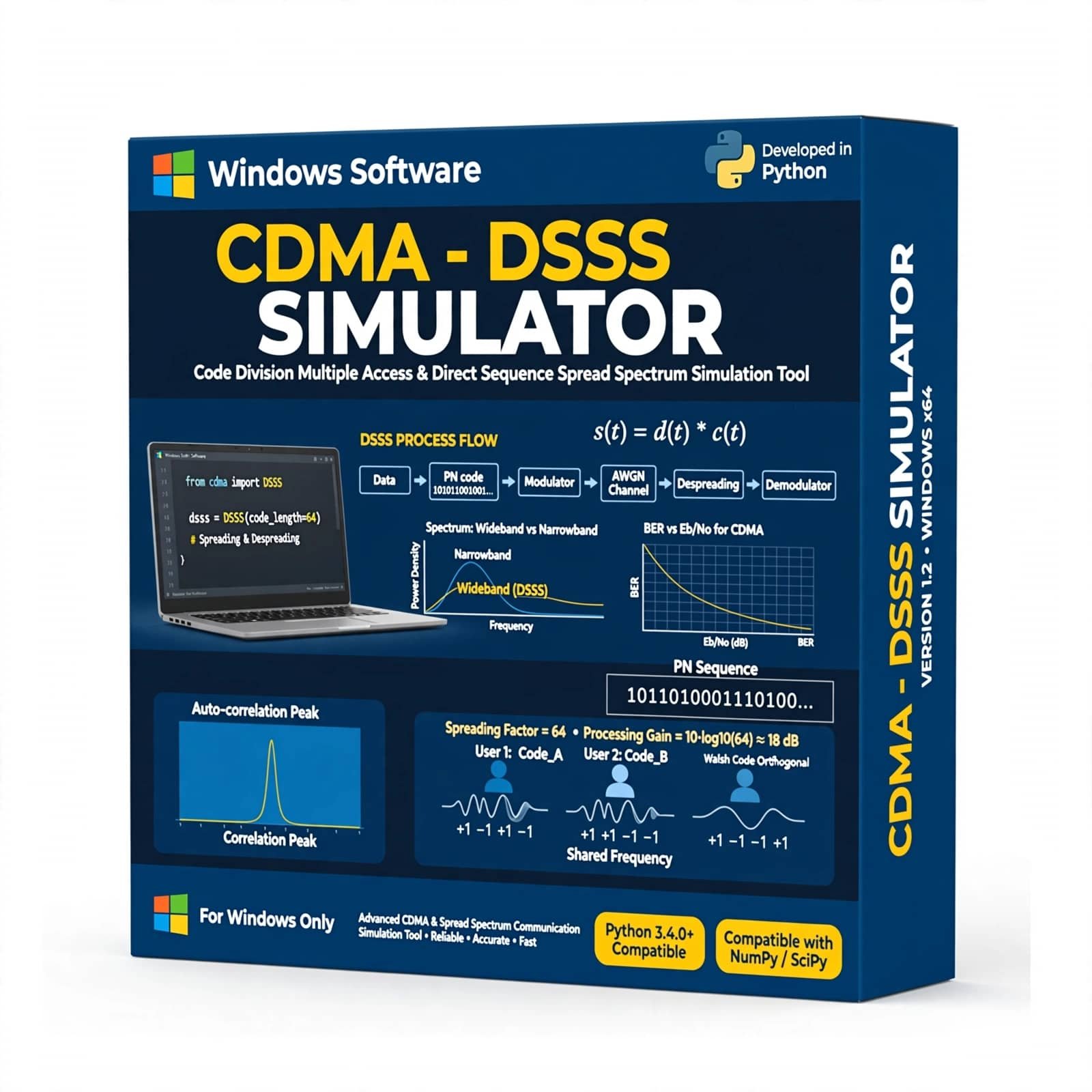
The CDMA – DSSS Simulator with Python is a software-based communication simulation tool designed to demonstrate and analyze Code Division Multiple Access (CDMA) and Direct Sequence Spread Spectrum (DSSS) techniques. Developed using Python, the simulator provides a practical environment for studying spreading codes, signal spreading and despreading, data transmission, multiple-access communication, interference, and signal recovery. It is ideal for digital communication and wireless communication laboratories, engineering education, student projects, technical training, and communication-system research.
Original price was: ₹750.00.₹250.00Current price is: ₹250.00. -
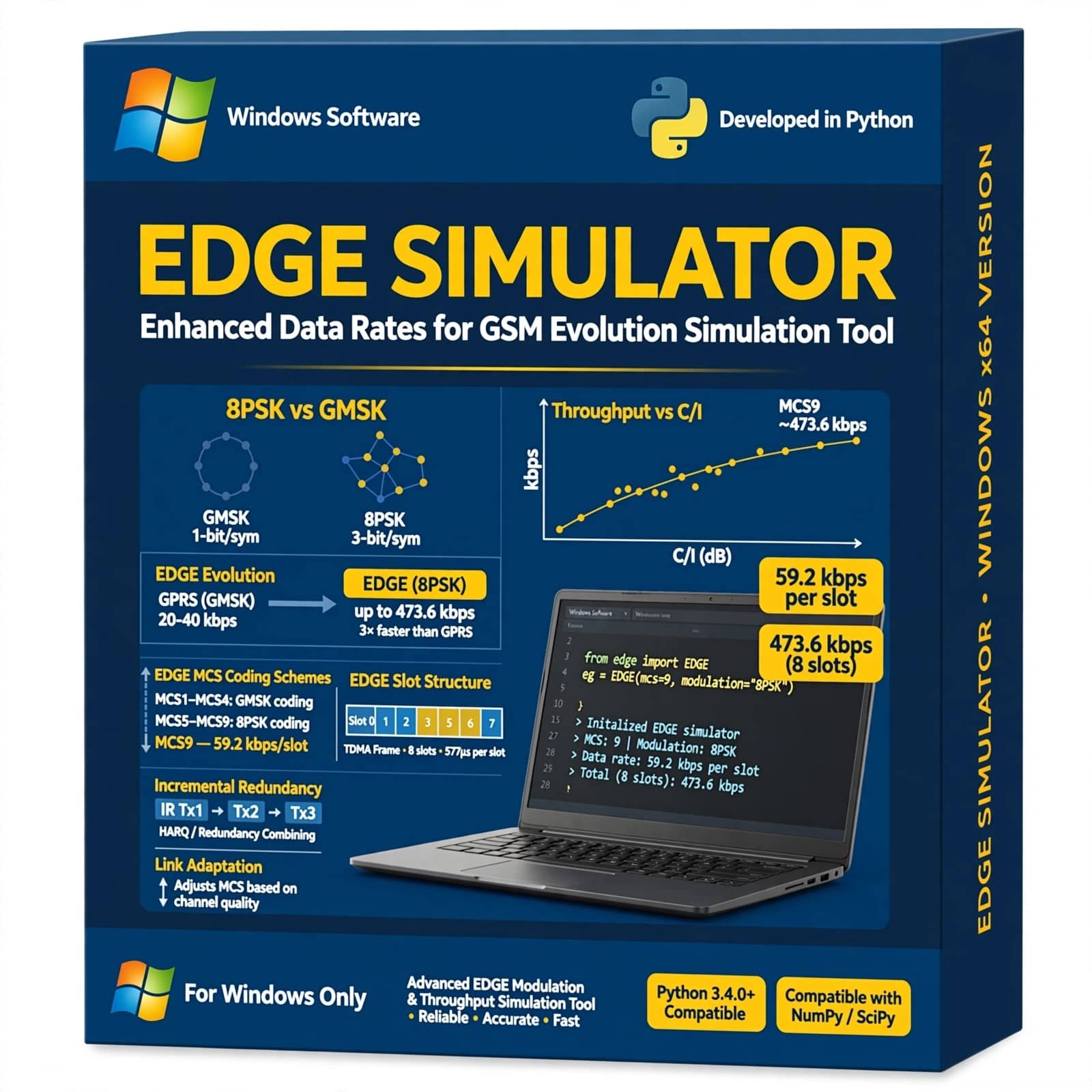
EDGE Simulator Using Python is a practical mobile communication simulation tool designed to demonstrate and analyze Enhanced Data rates for GSM Evolution (EDGE) technology. It helps students, researchers, and communication engineers study GSM/EDGE data transmission, modulation, channel conditions, bit error rate, data rates, and wireless communication performance using Python-based simulation.
Original price was: ₹750.00.₹250.00Current price is: ₹250.00. -
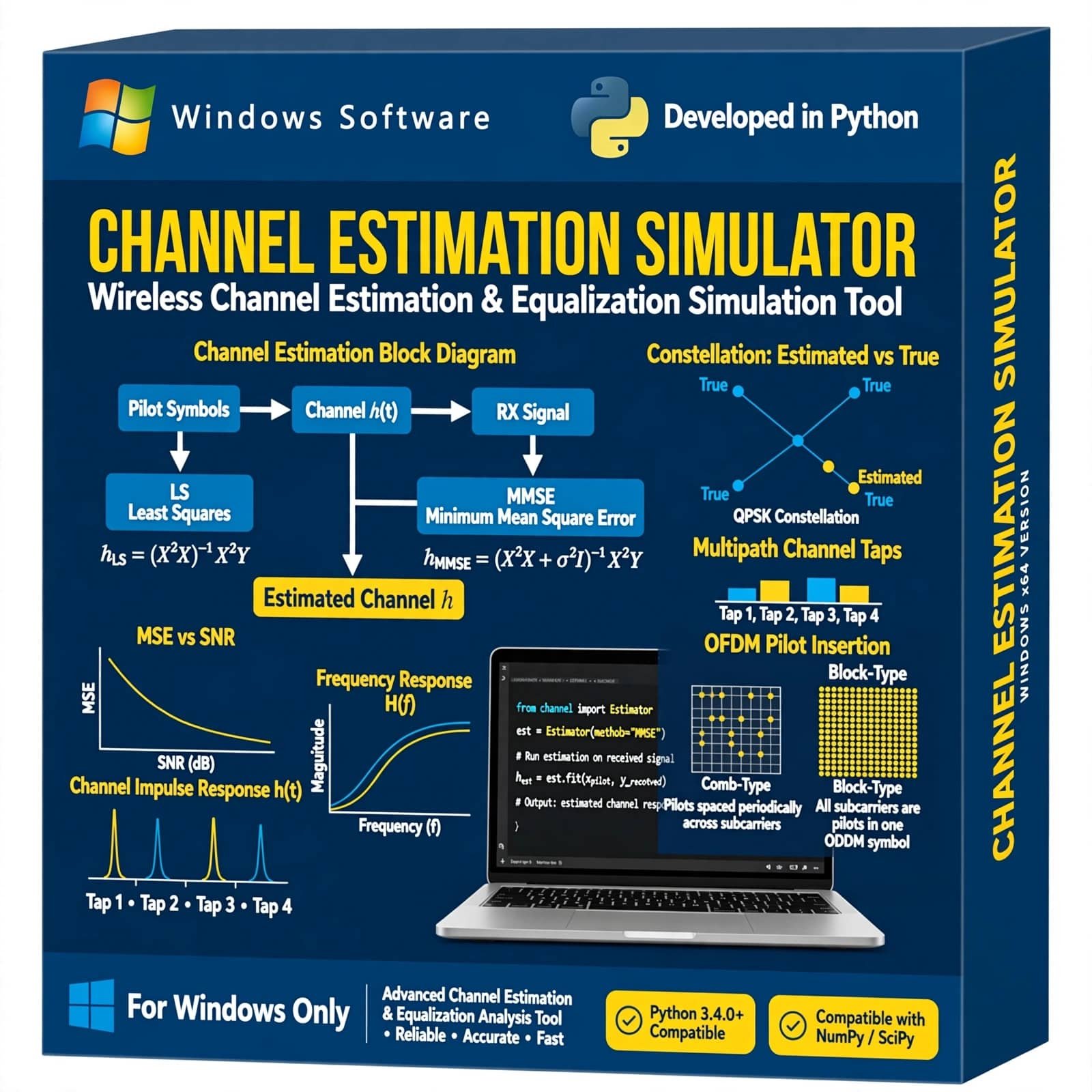
Channel Estimation Simulator is a wireless communication simulation tool designed to demonstrate and analyze channel estimation techniques in digital communication systems. It helps students, researchers, and communication engineers study channel effects, pilot-based estimation, signal distortion, and estimation performance through practical simulation.
Original price was: ₹750.00.₹250.00Current price is: ₹250.00. -
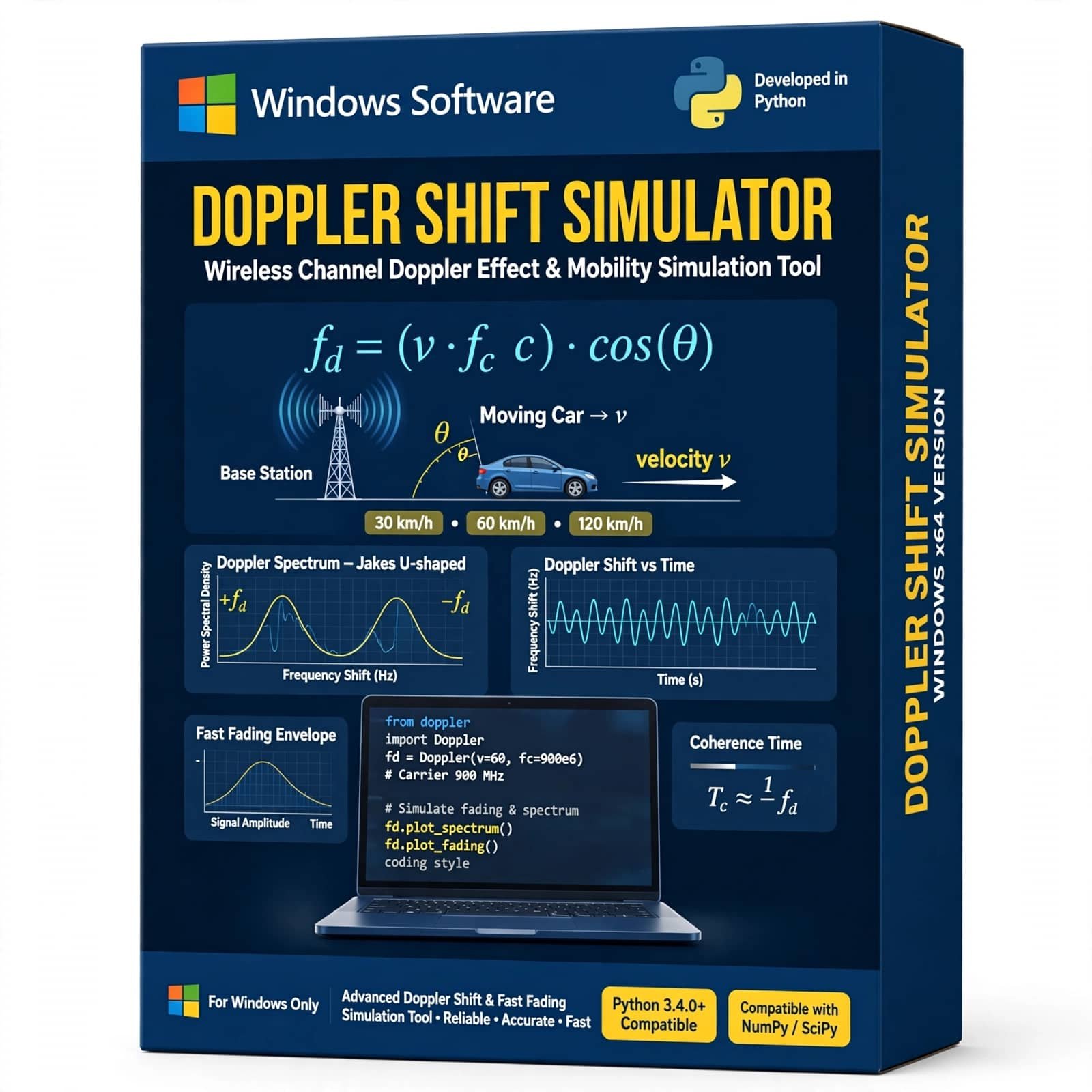
Doppler Shift Simulator Using Python is a practical wireless communication simulation tool for studying the Doppler effect and frequency shift caused by relative motion between a transmitter and receiver. It helps students, researchers, and communication engineers analyze Doppler frequency, carrier frequency, velocity, and mobile channel effects through Python-based simulation.
Original price was: ₹750.00.₹250.00Current price is: ₹250.00. -
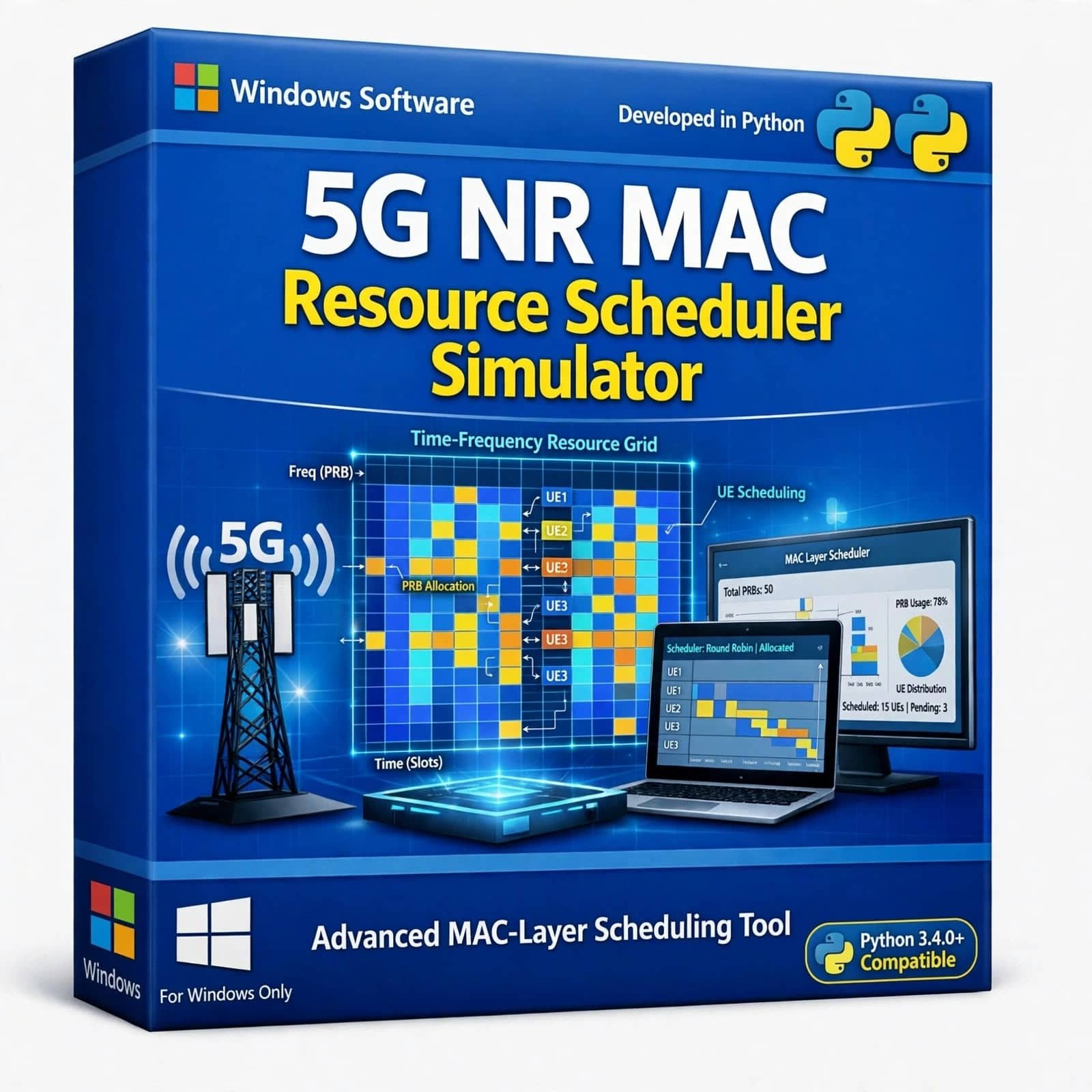
5G NR MAC Resource Scheduler Simulator is an advanced simulation solution for modeling and analyzing Medium Access Control (MAC) layer resource scheduling in 5G New Radio networks. It enables users to evaluate dynamic resource allocation, multi-UE scheduling, uplink and downlink resource management, QoS-aware scheduling, traffic conditions, and scheduling algorithms. The simulator supports analysis of throughput, latency, fairness, spectral efficiency, resource utilization, packet loss, and QoS performance, making it ideal for 5G NR research, scheduler algorithm development, academic projects, and wireless network optimization.
Original price was: ₹750.00.₹250.00Current price is: ₹250.00.


Reviews
There are no reviews yet.