

OFDM Channel Simulator

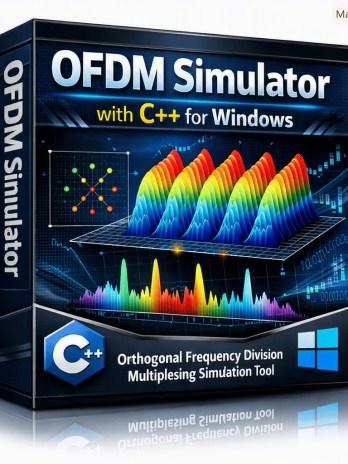
₹1,999.00
In StockOFDM Channel Simulator – C++ Educational Software is an interactive simulation tool designed to help students, educators, researchers, and communication-engineering learners understand Orthogonal Frequency Division Multiplexing (OFDM) and wireless channel effects. Developed using C++, the simulator demonstrates FFT/IFFT processing, cyclic prefix, QPSK and QAM modulation, multipath channels, delay spread, channel frequency response, equalization, BER, EVM, and constellation diagrams through an intuitive graphical interface.
Description
OFDM Channel Simulator
Explore the fundamentals of Orthogonal Frequency Division Multiplexing (OFDM) with an interactive OFDM Channel Simulator developed using C++. Designed as a professional educational tool, this simulator provides a practical environment for understanding how OFDM signals behave when transmitted through multipath wireless channels and processed using different equalization techniques.
OFDM is a fundamental technology used in many modern digital communication and wireless systems. However, understanding concepts such as subcarriers, cyclic prefix, multipath propagation, channel frequency response, equalization, BER, and EVM can be challenging when studied only theoretically.
The OFDM Channel Simulator bridges this gap by allowing learners to configure simulation parameters, run experiments, visualize signal constellations, examine the channel response, and evaluate communication performance using measurable results.
Developed in C++, the simulator is suitable for academic demonstrations, communication-system laboratories, engineering projects, classroom teaching, and independent learning.
Understand OFDM Signal Processing
The simulator provides an interactive way to study the basic OFDM transmission and reception process.
Users can configure important OFDM parameters including:
- FFT Size
- Cyclic Prefix (CP) Length
- Modulation Scheme
- SNR in dB
- Number of OFDM Symbols
The displayed interface allows learners to change these parameters and observe how the resulting signal behaves under different simulation conditions.
This makes the software particularly useful for demonstrating the relationship between OFDM configuration, channel conditions, signal quality, and receiver performance.
Experiment with QPSK and QAM Modulation
The simulator supports digital modulation configurations such as QPSK and higher-order QAM, allowing users to investigate how modulation affects constellation quality and communication performance.
The TX Constellation visualization shows the transmitted symbol points, while the RX Constellation (after EQ) displays the received symbols after equalization.
By changing modulation and channel parameters, students can visually observe constellation distortion caused by noise and multipath propagation and understand how equalization can improve received signal quality.
Study Cyclic Prefix and Multipath Channels
One of the most important concepts in OFDM is the use of the Cyclic Prefix (CP) to reduce the impact of inter-symbol interference caused by multipath propagation.
The simulator allows users to configure the CP length and channel characteristics, including:
- Multipath taps
- Maximum delay
- Delay spread
- Channel frequency response
Learners can experiment with different delay values and compare scenarios where the cyclic prefix is sufficient or insufficient for the simulated channel.
This provides a practical way to understand concepts such as inter-symbol interference (ISI) and inter-carrier interference (ICI).
Visualize Channel Frequency Response
The simulator includes a Channel Frequency Response |H[k]| visualization that shows how the simulated wireless channel affects different OFDM subcarriers.
This is particularly useful for understanding frequency-selective fading and why individual subcarriers may experience different channel conditions.
Students can change multipath and delay parameters and observe how the channel response changes, providing a visual connection between theoretical channel models and practical OFDM system behavior.
Compare Equalization Techniques
The OFDM Channel Simulator includes configurable equalization options, including:
- No Equalization
- Zero Forcing (ZF)
- MMSE
This allows learners to compare different receiver strategies and understand their impact on received signal quality.
For example, Zero Forcing can compensate for channel effects but may amplify noise in deep fades, while MMSE provides a different trade-off between channel compensation and noise performance.
Being able to run these approaches within the same simulator makes it easier to conduct comparative experiments and understand the practical role of equalization in OFDM receivers.

Measure BER and EVM Performance
The simulator also provides quantitative communication-performance results, including:
Bit Error Rate (BER)
BER allows users to evaluate the number of incorrectly detected bits relative to the total transmitted bits.
Error Vector Magnitude (EVM)
EVM provides an additional measurement of received signal quality by evaluating the difference between transmitted and received constellation points.
Together, BER and EVM give learners both numerical and visual methods for evaluating OFDM system performance.
Beginner-to-Expert Learning Approach
The interface is designed as an educational environment with a Beginner → Advanced → Expert learning approach.
The integrated help panel provides explanations of important concepts, including:
- OFDM fundamentals
- IFFT processing
- Cyclic prefix
- Multipath and delay spread
- Equalization
- BER and EVM
- Simulation guidelines
- Parameter selection
This makes the software useful for learners at different levels of understanding.
Beginners can start with basic FFT, CP, QPSK, and SNR configurations, while advanced users can experiment with higher-order modulation, increased delay spread, different equalization methods, and challenging channel conditions.
Key Features
- C++-based OFDM Channel Simulator
- Interactive graphical user interface
- OFDM parameter configuration
- Adjustable FFT size
- Adjustable Cyclic Prefix length
- Configurable SNR
- QPSK and QAM modulation support
- Adjustable number of OFDM symbols
- Multipath channel simulation
- Configurable multipath taps
- Adjustable maximum channel delay
- Channel frequency response visualization
- TX constellation display
- RX constellation after equalization
- Zero Forcing equalization
- MMSE equalization
- No-equalization comparison
- BER calculation
- EVM measurement
- Built-in educational help and guidelines
- Beginner, Advanced, and Expert learning approach
- Suitable for classroom demonstrations and engineering projects
Ideal for Students and Communication Engineering Projects
The OFDM Channel Simulator is an excellent educational resource for students studying Digital Communications, Wireless Communications, Communication Systems, Signal Processing, RF Engineering, Telecommunications, and Computer Engineering.
It can also be used for:
- Engineering college laboratory demonstrations
- OFDM practical experiments
- Digital communication projects
- Wireless communication projects
- C++ programming projects
- DSP and signal-processing demonstrations
- Academic presentations
- Communication-system training
- Student research and experimentation
- Classroom teaching
- Self-learning and technical training
Learn OFDM Through Interactive Simulation
Instead of relying exclusively on mathematical equations and static diagrams, this C++ simulator allows users to change parameters, run simulations, visualize results, and compare communication-system behavior.
Students can investigate questions such as how increasing SNR affects BER, how multipath delay changes the channel response, why cyclic-prefix length matters, how different modulation schemes affect constellation quality, and how Zero Forcing and MMSE equalization influence received signals.
The combination of interactive parameters, constellation diagrams, channel-response visualization, BER, EVM, and built-in explanations makes this OFDM simulator a practical tool for learning modern digital communication concepts.
Build a stronger understanding of OFDM, multipath channels, equalization, and communication-system performance with this C++-based OFDM Channel Simulator.
Related products
-
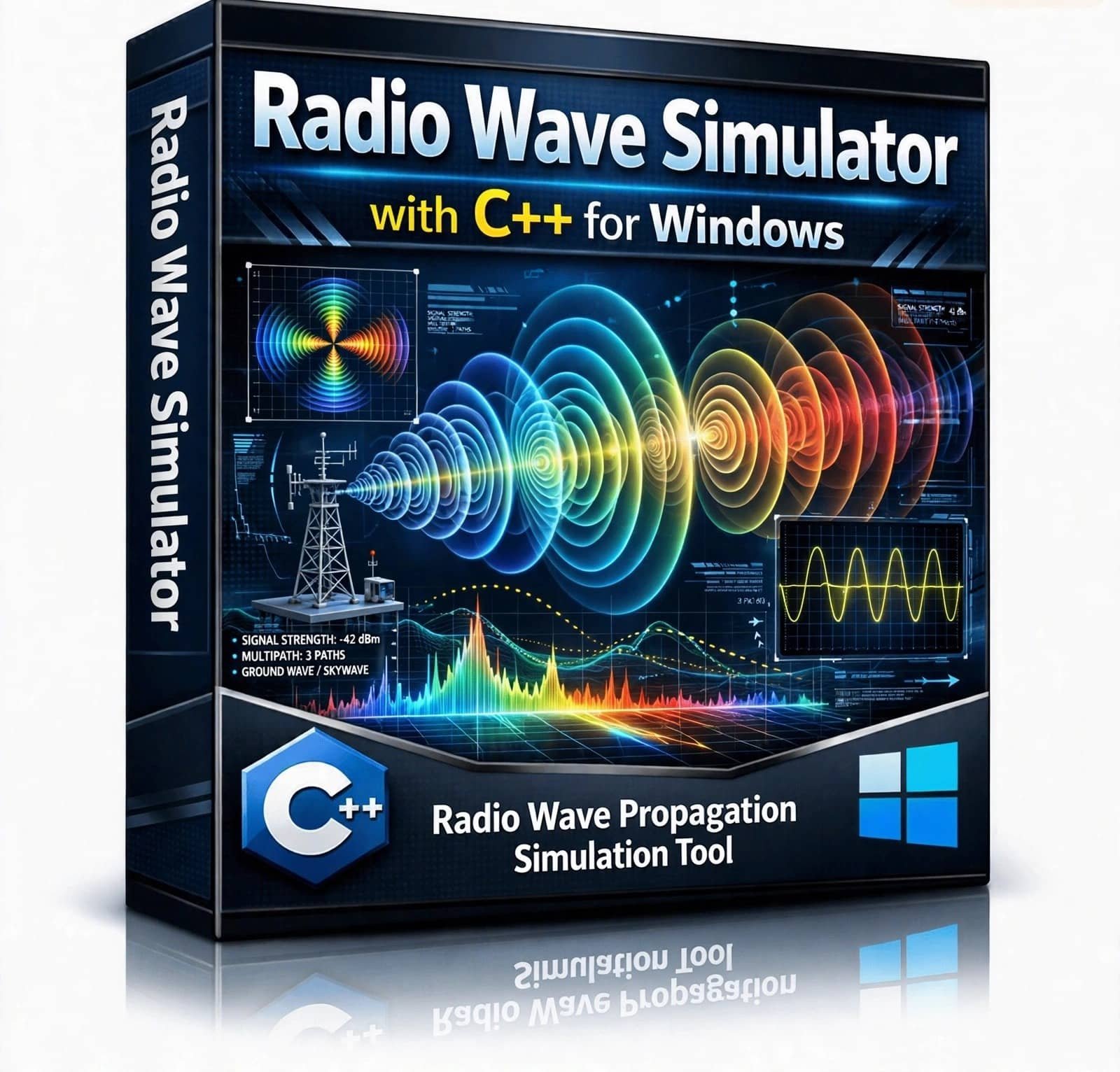
Radio Wave Simulator – Explore and generate a wide range of radio, RF, analog, and digital communication waveforms using this C++-based Radio Wave Simulator. The software is designed for students, researchers, electronics engineers, and communication enthusiasts to visualize and experiment with sine waves, RF signals, AM, FM, PM, ASK, FSK, GSM, and other communication waveforms in a practical simulation environment.
₹1,999.00 -
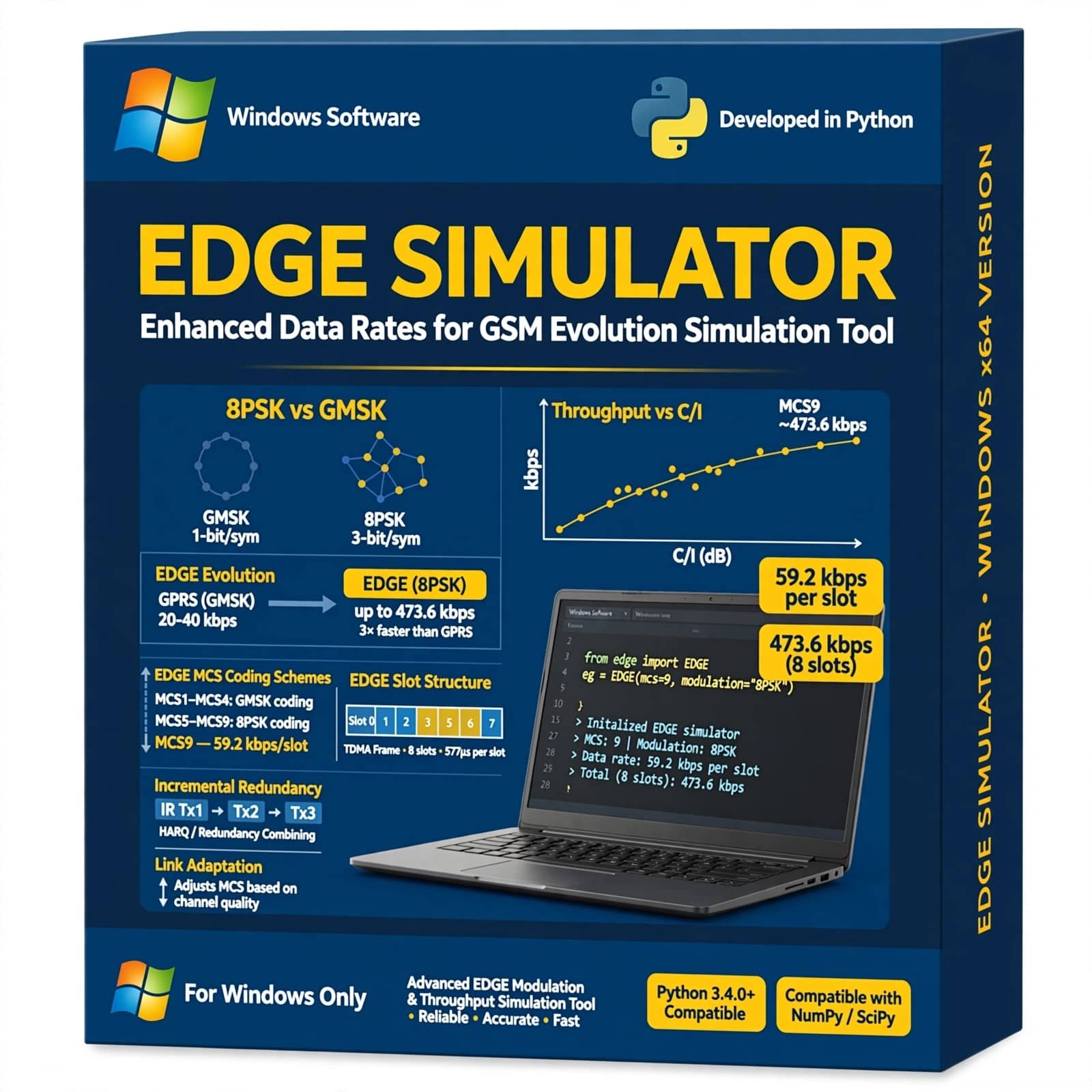
EDGE Simulator Using Python is a practical mobile communication simulation tool designed to demonstrate and analyze Enhanced Data rates for GSM Evolution (EDGE) technology. It helps students, researchers, and communication engineers study GSM/EDGE data transmission, modulation, channel conditions, bit error rate, data rates, and wireless communication performance using Python-based simulation.
₹3,499.00 -
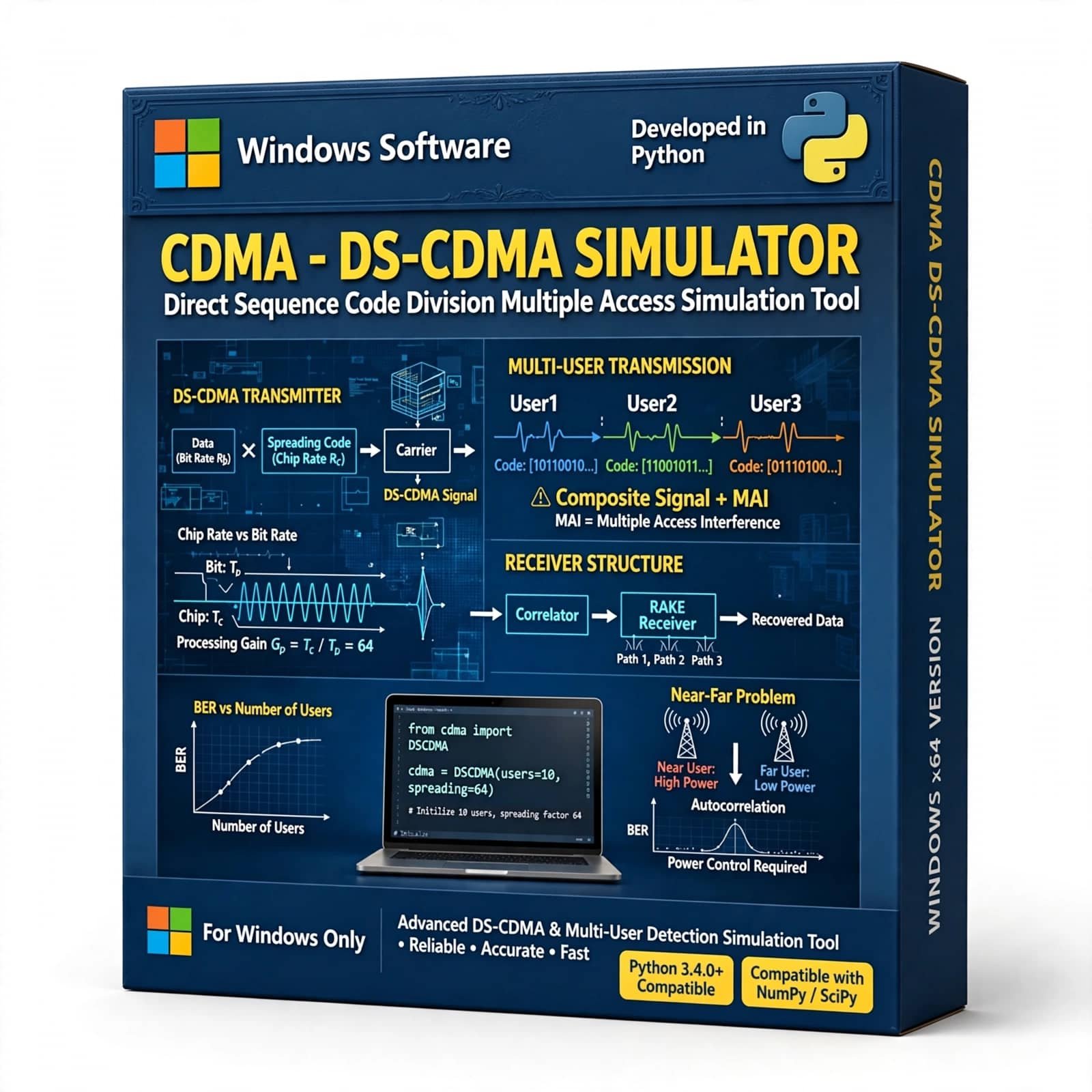
The CDMA DS-CDMA Simulator with Python is a software-based communication simulation tool designed to demonstrate and analyze Direct Sequence Code Division Multiple Access (DS-CDMA) technology. Developed using Python, the simulator provides a practical environment for studying spreading codes, chip sequences, multiple-user communication, signal spreading and despreading, interference, correlation, and transmitted-data recovery. It is suitable for digital communication laboratories, wireless communication education, telecommunications training, student projects, and communication-system research.
Original price was: ₹3,999.00.₹2,499.00Current price is: ₹2,499.00. -
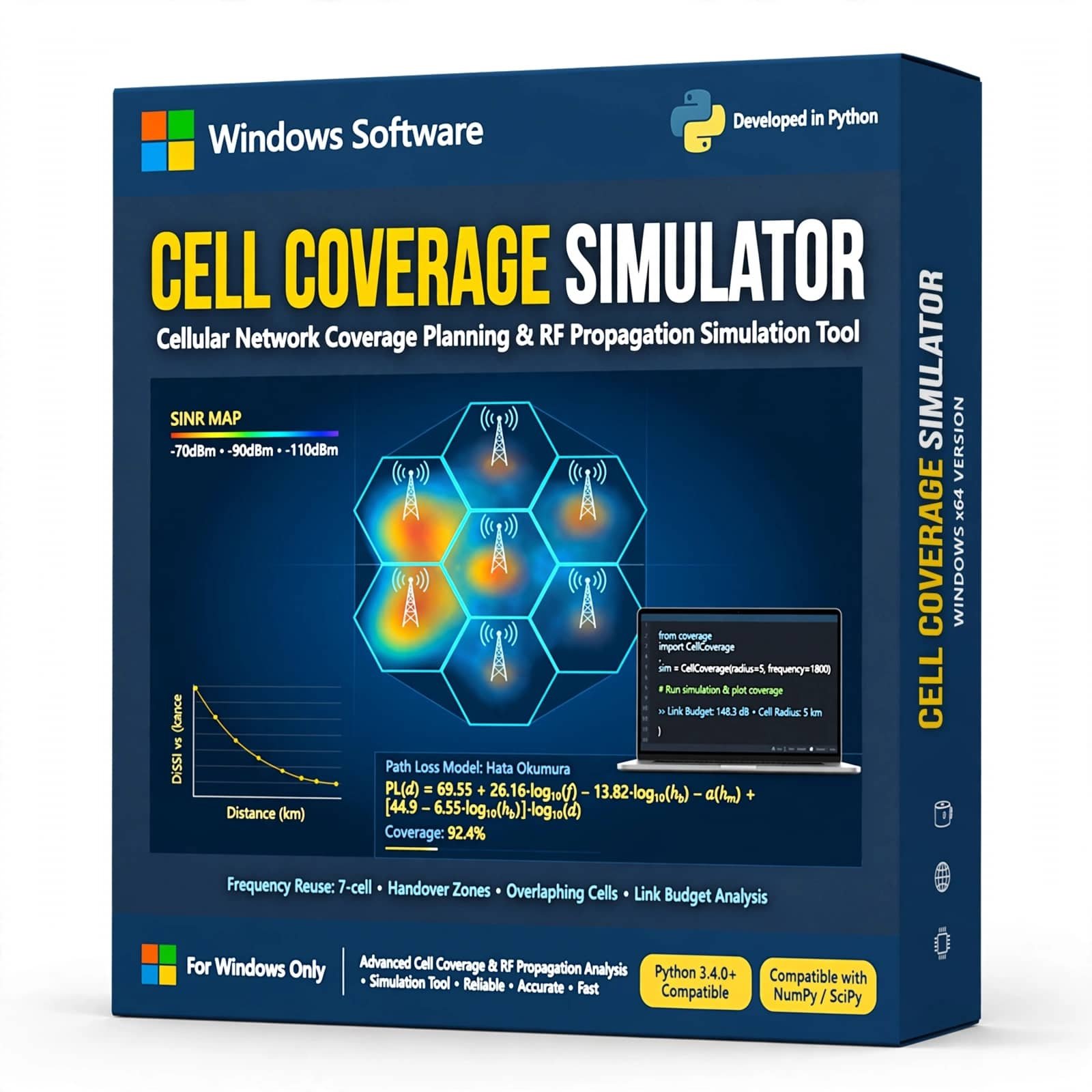
Cell Coverage Simulator is a wireless communication simulation tool designed to model and analyze cellular network coverage using Python. It helps students, researchers, and telecom professionals visualize cell coverage, signal propagation, coverage areas, and network planning concepts through practical simulation and analysis.
₹6,999.00 -
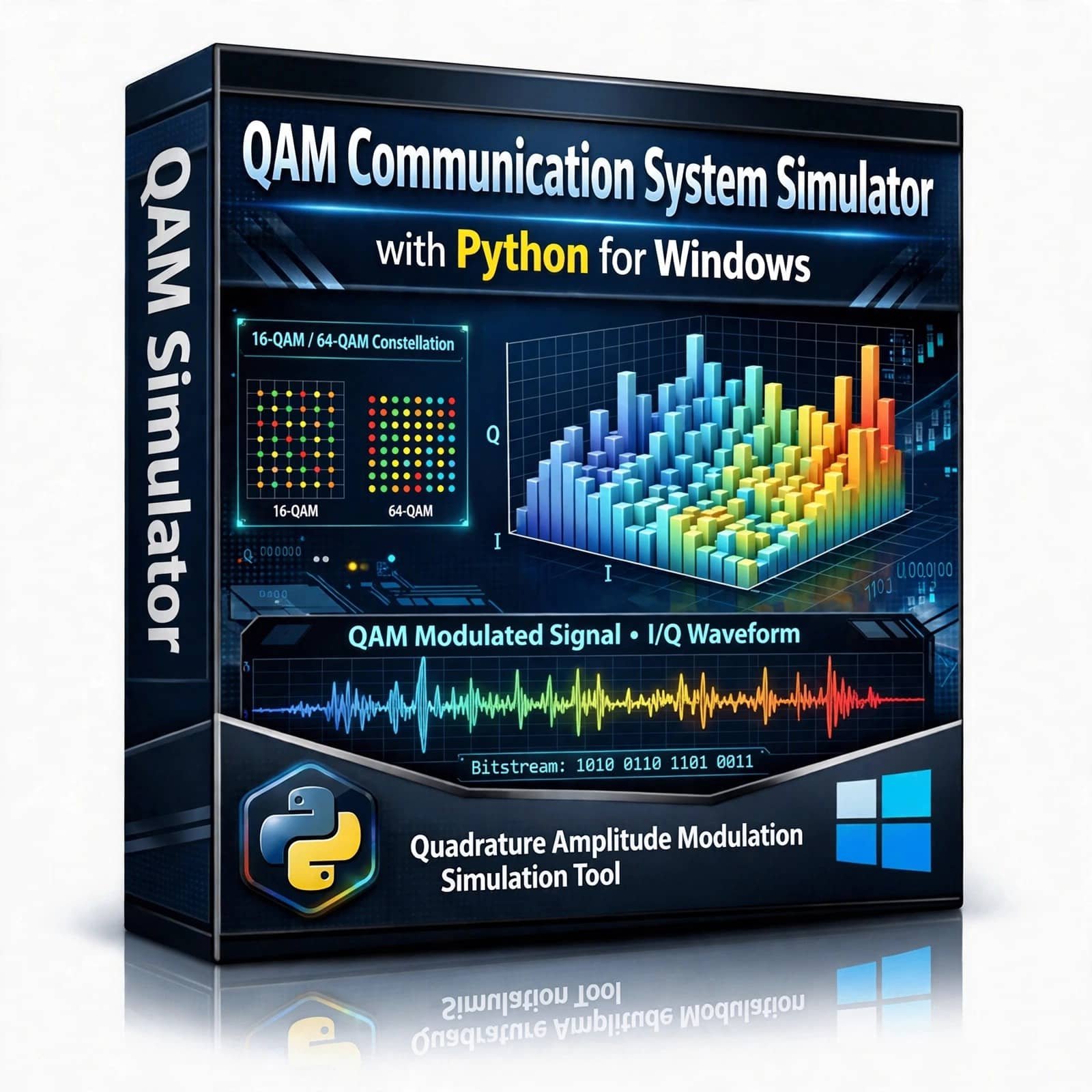
QAM Communication System Simulator – Explore and simulate Quadrature Amplitude Modulation (QAM) with this Python-based Communication System Simulator. Designed for students, researchers, and communication engineering enthusiasts, this project provides an interactive way to understand QAM modulation, signal transmission, noise effects, constellation diagrams, demodulation, and communication system performance using Python.
₹1,999.00 -
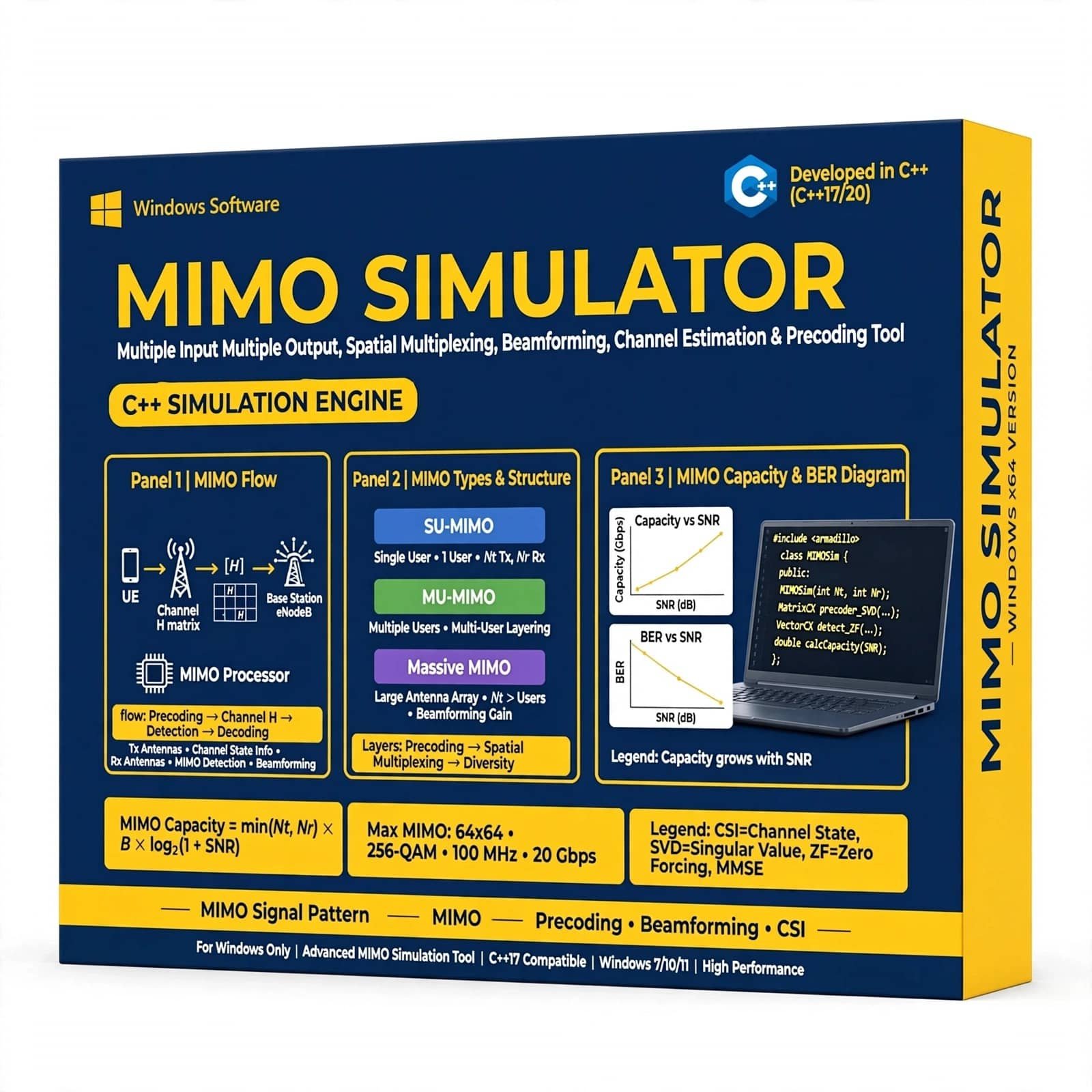
MIMO Simulator with C++ is a powerful wireless communication simulation solution designed for students, researchers, engineers, and communication professionals. Simulate Multiple-Input Multiple-Output (MIMO) systems, analyze channel performance, evaluate BER and SNR, and study different modulation, detection, and fading techniques using efficient C++ implementation.
₹3,999.00

Reviews
There are no reviews yet.