
87% Off
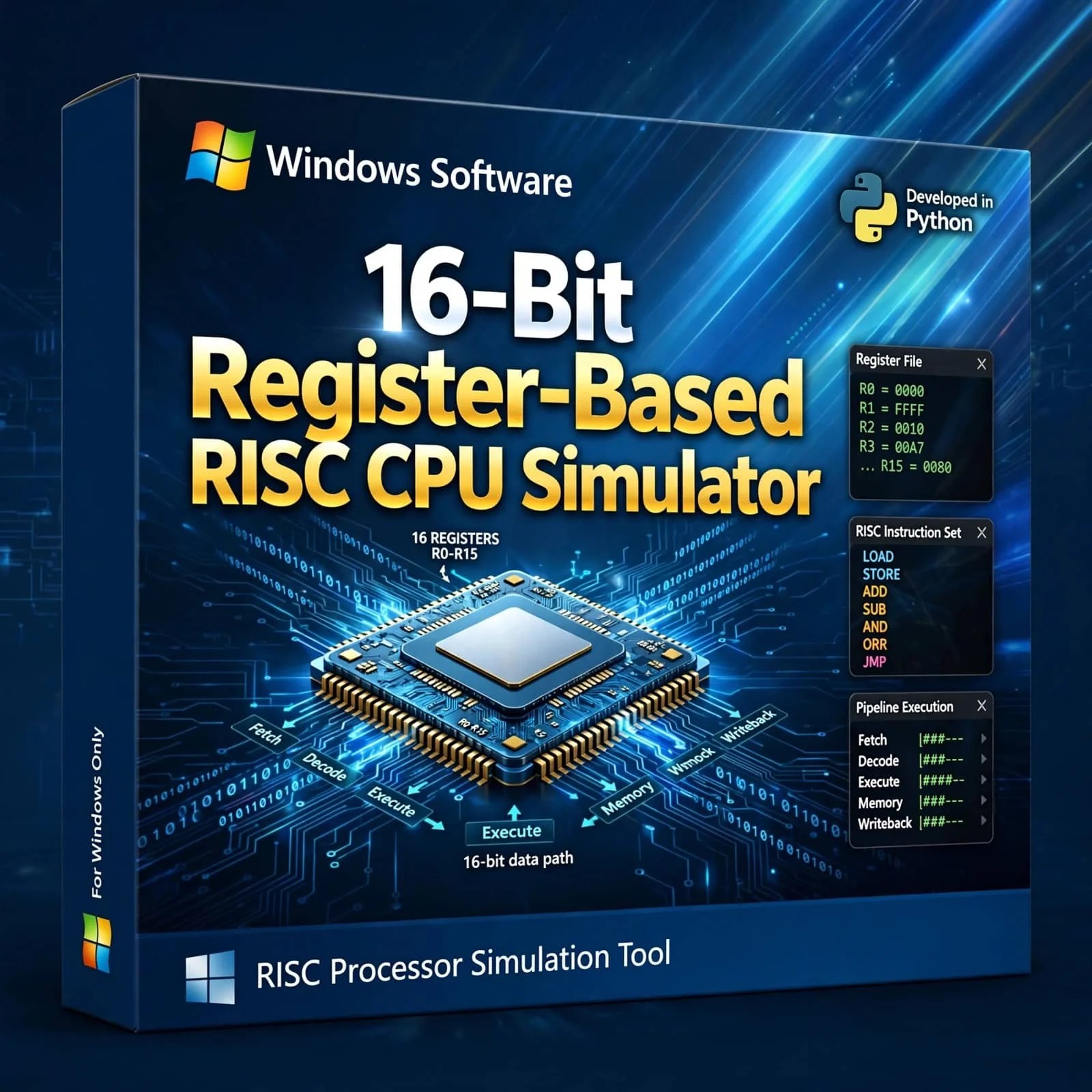
16-bit register-based RISC CPU Simulator


Original price was: ₹750.00.₹100.00Current price is: ₹100.00.
In StockThe 16-bit Register-Based RISC CPU Simulator (Python for Windows) is more than just a tool—it’s a gateway to mastering RISC architecture. Whether you’re a beginner exploring assembly language or an expert revisiting the foundations of modern CPU design, this simulator provides clarity, precision, and interactivity. Add it to your toolkit today and unlock the secrets of the processor architecture that shaped modern computing.
Description
16-bit register-based RISC CPU Simulator
The 16-bit Register-Based RISC CPU Simulator written in Python for Windows is a powerful and interactive tool designed to help learners, educators, and professionals explore the principles of Reduced Instruction Set Computing (RISC). By simulating a simplified yet realistic 16-bit CPU architecture, this product provides a hands-on environment for mastering computer architecture, assembly language programming, and processor design concepts.
Core Features
- Register-Based Architecture: Implements a clean RISC design with a fixed set of general-purpose registers, making instruction execution straightforward and efficient.
- 16-bit Instruction Set: Supports a carefully selected set of instructions for arithmetic, logic, data transfer, and control flow operations.
- Python Implementation: Written entirely in Python, ensuring cross-platform flexibility while optimized for Windows users with easy installation and execution.
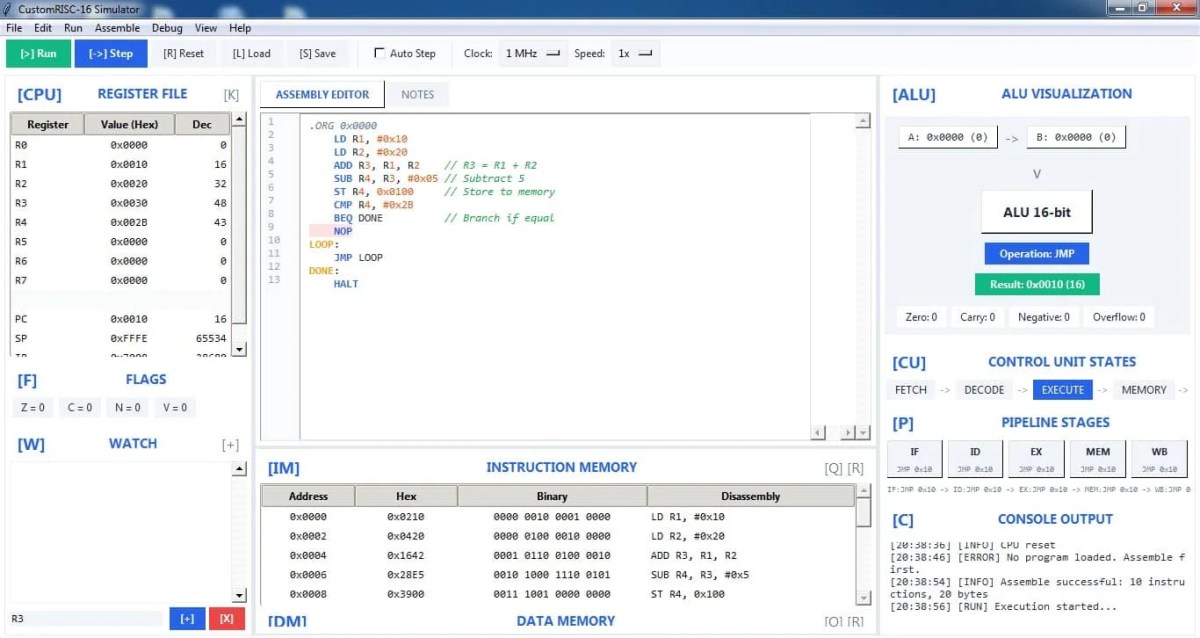
- Interactive Execution: Step through instructions one cycle at a time or run complete programs to observe CPU behavior.
- Memory & Flags Visualization: Track memory changes, register updates, and flag states in real-time.
- Educational Focus: Designed for teaching RISC principles, debugging assembly programs, and demonstrating CPU internals in classrooms or labs.
Why This Simulator Matters
The RISC architecture revolutionized computing by simplifying instruction sets, enabling faster execution and more efficient processor designs. Understanding RISC principles is essential for students of computer science, electrical engineering, and embedded systems. This simulator bridges the gap between theory and practice, allowing learners to experiment with assembly code and CPU internals without needing physical hardware.
Unlike traditional textbooks, this tool provides interactive learning. Users can load programs, step through instructions, and watch how registers and memory evolve. This active engagement ensures deeper comprehension and retention of concepts.
Benefits for Different Audiences
- Students: Gain practical experience with RISC assembly programming and CPU internals, preparing for exams and projects.
- Educators: Use the simulator as a teaching aid to demonstrate instruction cycles, addressing modes, and flag behavior.
- Developers: Debug and test assembly routines in a controlled environment without hardware dependencies.
- Researchers: Extend the simulator to model variations of RISC CPUs or integrate with other tools for experimentation.
Technical Highlights
- Implements a register-based instruction set with emphasis on simplicity and efficiency.
- Provides step-by-step execution and full program run modes.
- Modular Python codebase allows customization and integration with external projects.
- Optimized for Windows environments, ensuring smooth installation and execution.
- Lightweight design ensures compatibility with modern systems without requiring advanced hardware.
Practical Use Cases
- Classroom demonstrations of RISC instruction cycles and register-based operations.
- Self-paced learning for assembly programming and low-level debugging.
- Research projects in computer architecture and embedded systems.
- Development of teaching aids and interactive learning modules.
Windows-Specific Advantages
While the simulator is cross-platform, it is optimized for Windows users, ensuring easy installation and execution. The Python-based design integrates seamlessly with Windows environments, making it accessible for students and professionals who primarily use Windows systems. This ensures a smooth learning experience without compatibility issues.
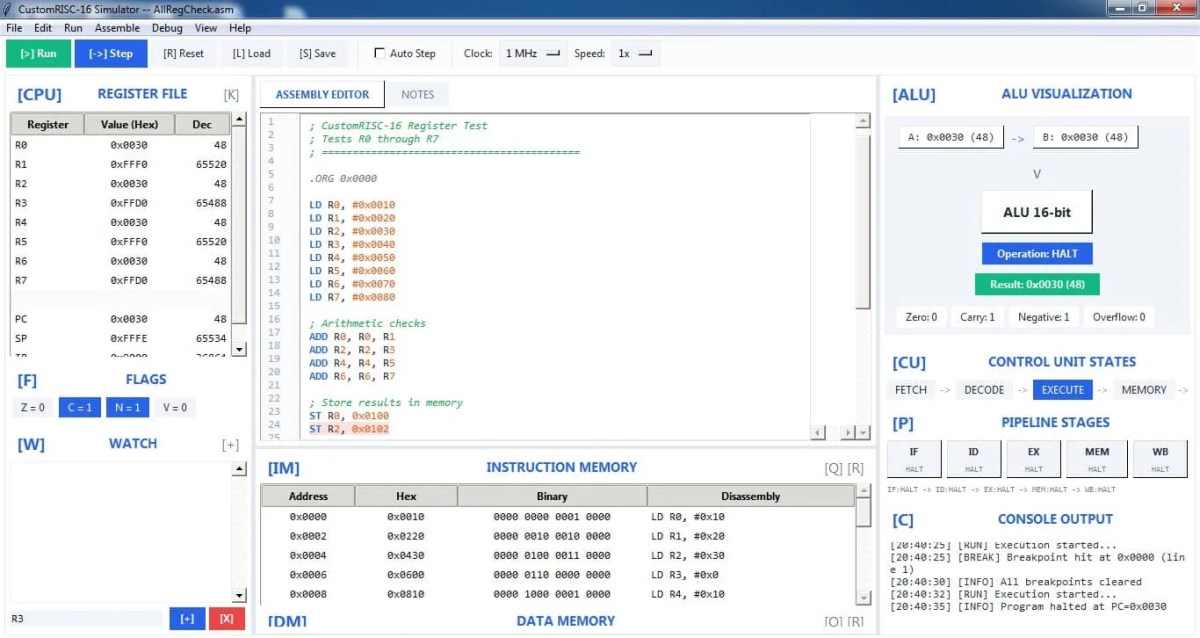
Example Walkthrough
- Input: ADD R1, R2, R3
- Cycle 1: Instruction Fetch → Program Counter updated, instruction loaded.
- Cycle 2: Decode → Registers R2 and R3 read.
- Cycle 3: Execute → ALU performs addition.
- Cycle 4: Write Back → Result stored in R1.
- Output: R1 contains the sum of R2 and R3.
This simple example demonstrates how the simulator makes abstract CPU operations tangible and easy to follow.
16-bit RISC Simulator, Register-Based CPU Emulator, Python RISC Simulator, Windows CPU Emulator, Assembly Language Learning, Computer Architecture Tool, Educational CPU Emulator, RISC Instruction Set Simulator, Debugging Assembly Programs, Microprocessor Simulator
Related products
-
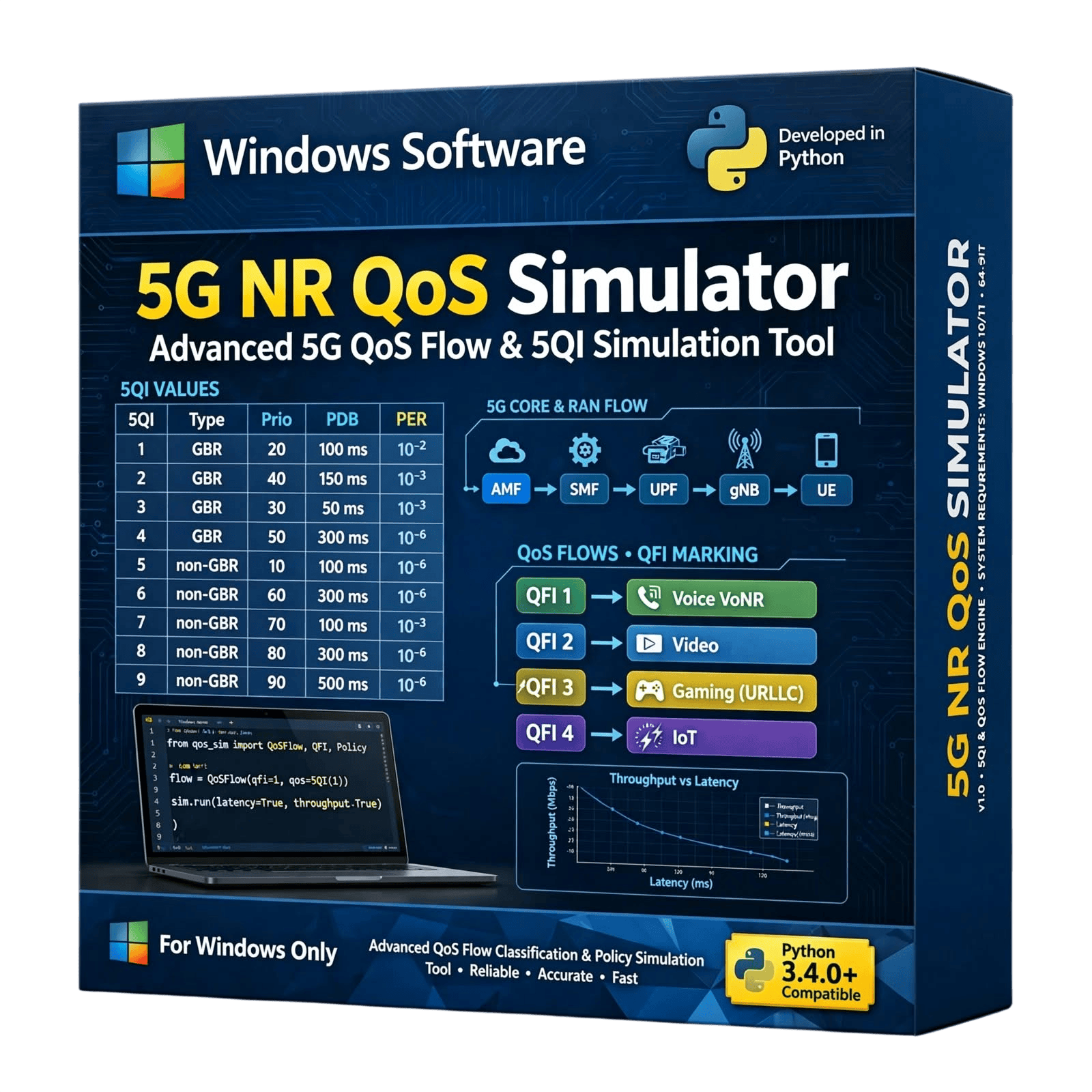
The 5G QoS Simulator is a Python-based software solution designed for researchers, engineers, students, developers, and telecommunications professionals working with 5G Quality of Service (QoS) concepts. The simulator provides a software-based environment for studying and analyzing QoS-related aspects of 5G communication networks, including service performance, traffic behavior, resource management, and network performance evaluation.
Developed using Python, the simulator is suitable for academic research, telecommunications projects, demonstrations, experimentation, algorithm development, and educational applications.
Available for sale as a software product. Contact us for pricing, licensing, features, customization, and purchase information.
Original price was: ₹74,999.00.₹9,999.00Current price is: ₹9,999.00. -
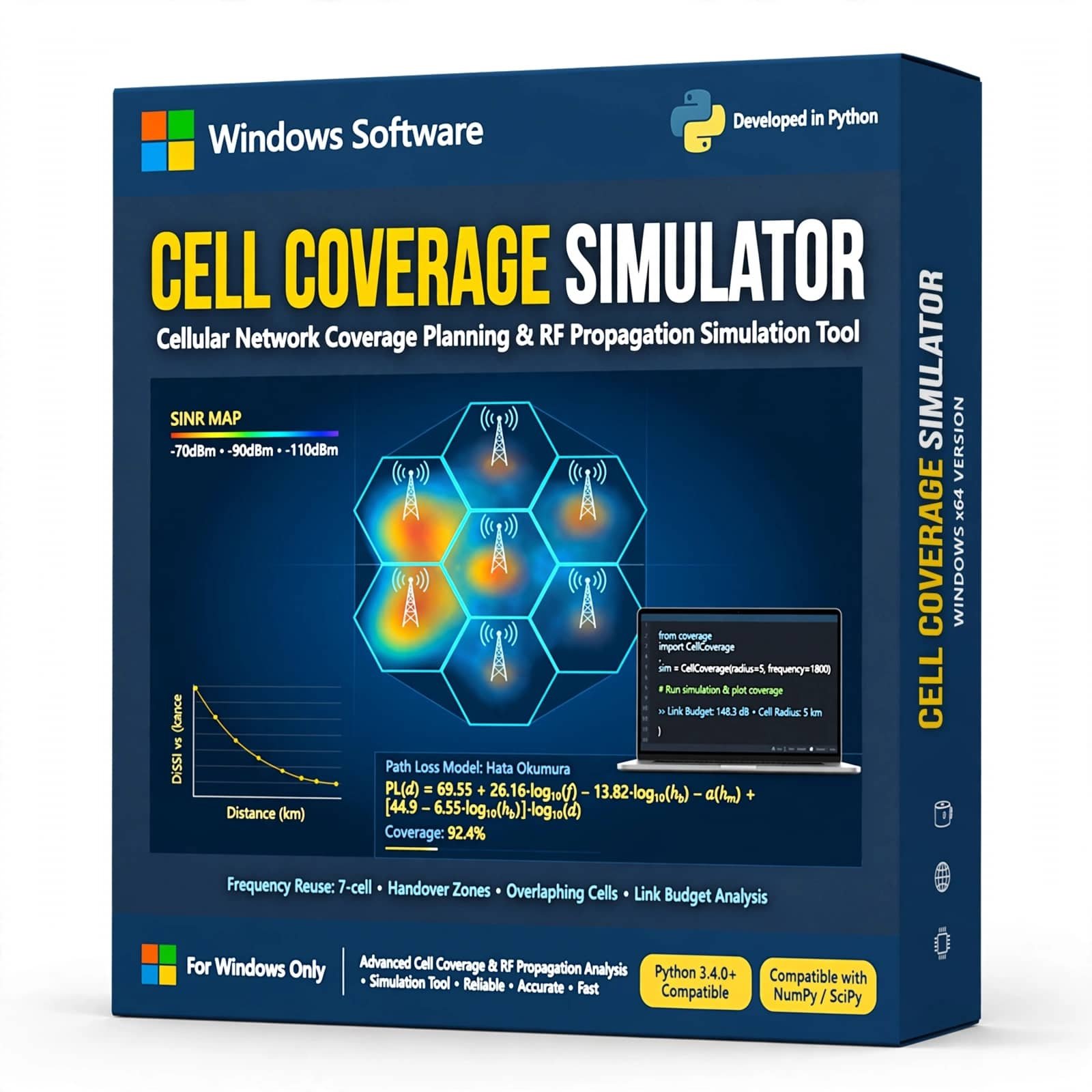
Cell Coverage Simulator is a wireless communication simulation tool designed to model and analyze cellular network coverage using Python. It helps students, researchers, and telecom professionals visualize cell coverage, signal propagation, coverage areas, and network planning concepts through practical simulation and analysis.
₹6,999.00 -
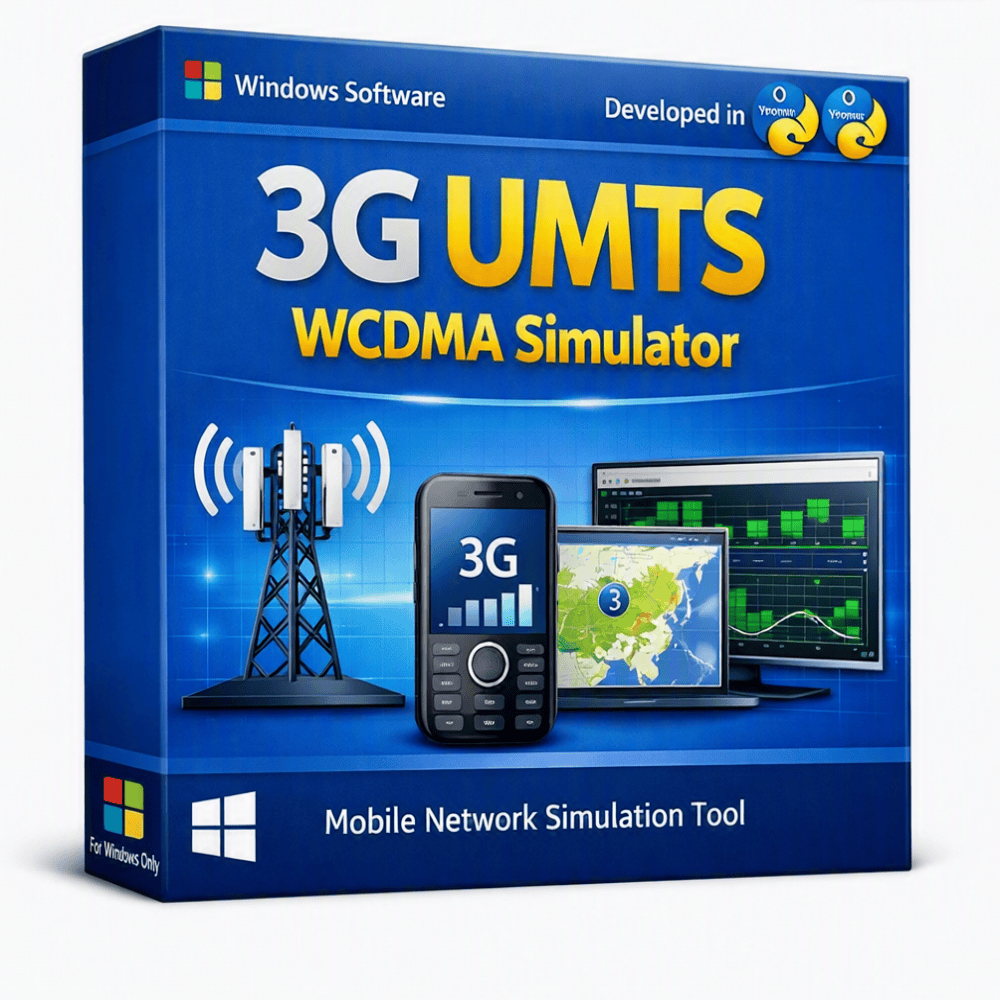
The 3G UMTS – WCDMA Simulator is a software-based simulation project designed to demonstrate the fundamental concepts of 3G Universal Mobile Telecommunications System (UMTS) and Wideband Code Division Multiple Access (WCDMA) technology. It provides a practical environment for studying cellular communication, spreading codes, signal transmission, mobile users, network connectivity, and WCDMA-based communication principles. The simulator is suitable for students, researchers, and developers working on telecommunications and wireless communication projects. It can be used for academic demonstrations, engineering projects, research, experimentation, and learning about 3G mobile communication and WCDMA network technologies.
₹3,999.00 -
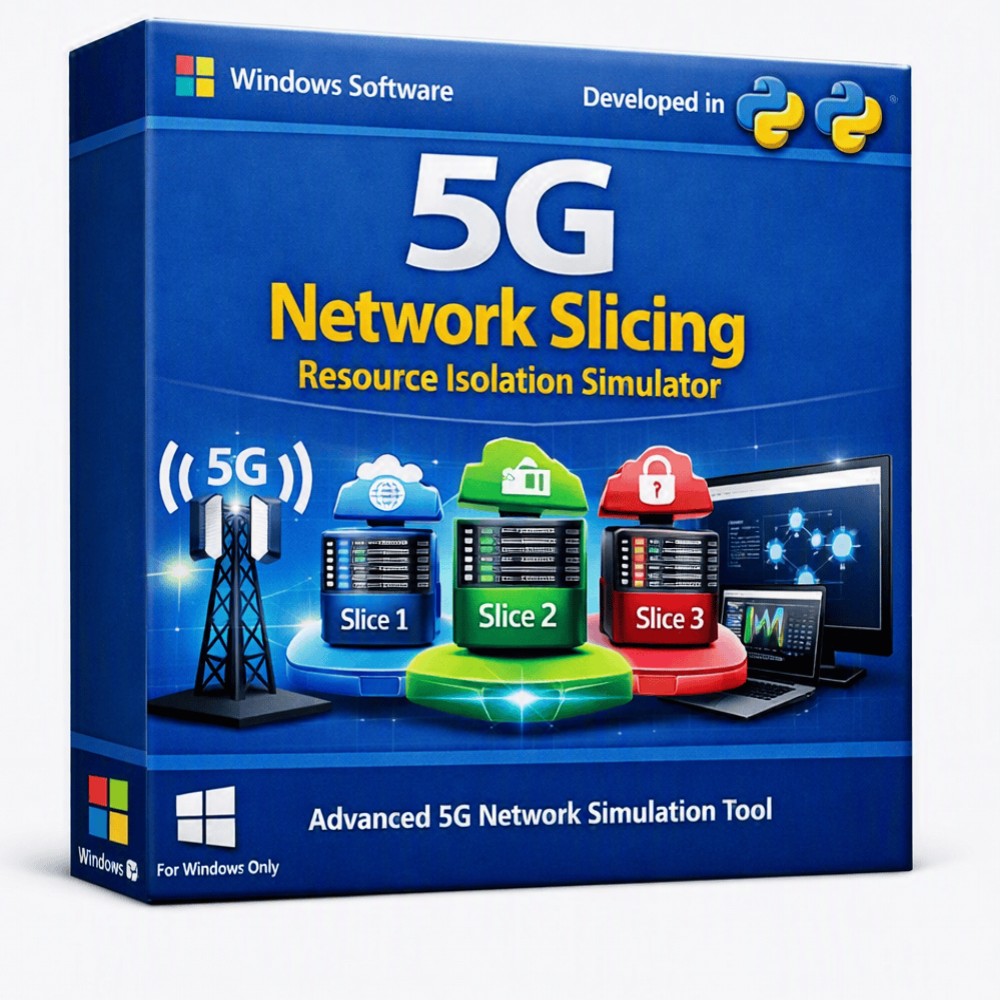
A Python-based 5G Network Slicing and Resource Isolation Simulator designed to model and analyze how multiple logical network slices can share physical 5G infrastructure while maintaining resource isolation. The simulator enables users to study CPU, memory, bandwidth, network capacity, traffic allocation, and resource management across different 5G network slices.
Ideal for 5G research, telecom engineering, academic projects, network optimization, resource allocation studies, and university laboratories.
Original price was: ₹199,999.00.₹19,999.00Current price is: ₹19,999.00. -
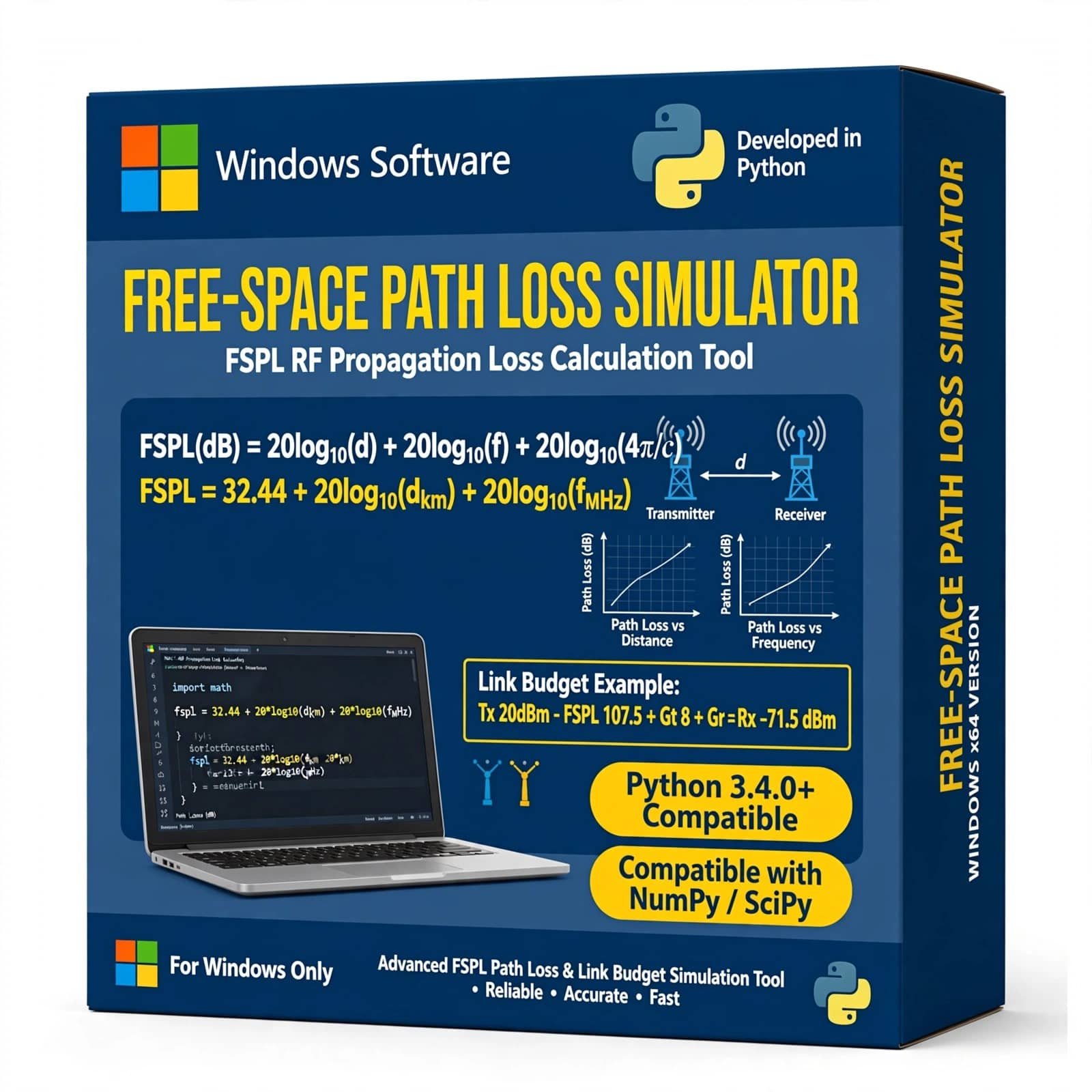
Free Space Path Loss Simulator Using Python is a practical wireless communication simulation project designed to calculate and visualize signal power loss as a radio wave travels through free space. Developed using Python, this simulator helps students, researchers, and communication engineers understand Free Space Path Loss (FSPL), transmission distance, frequency, received signal power, and wireless link performance.
The project provides an easy-to-understand simulation environment for analyzing how distance and operating frequency affect signal propagation. It is suitable for B.Tech, M.Tech, engineering students, academic projects, wireless communication studies, RF analysis, and Python-based simulation projects.
₹1,999.00 -
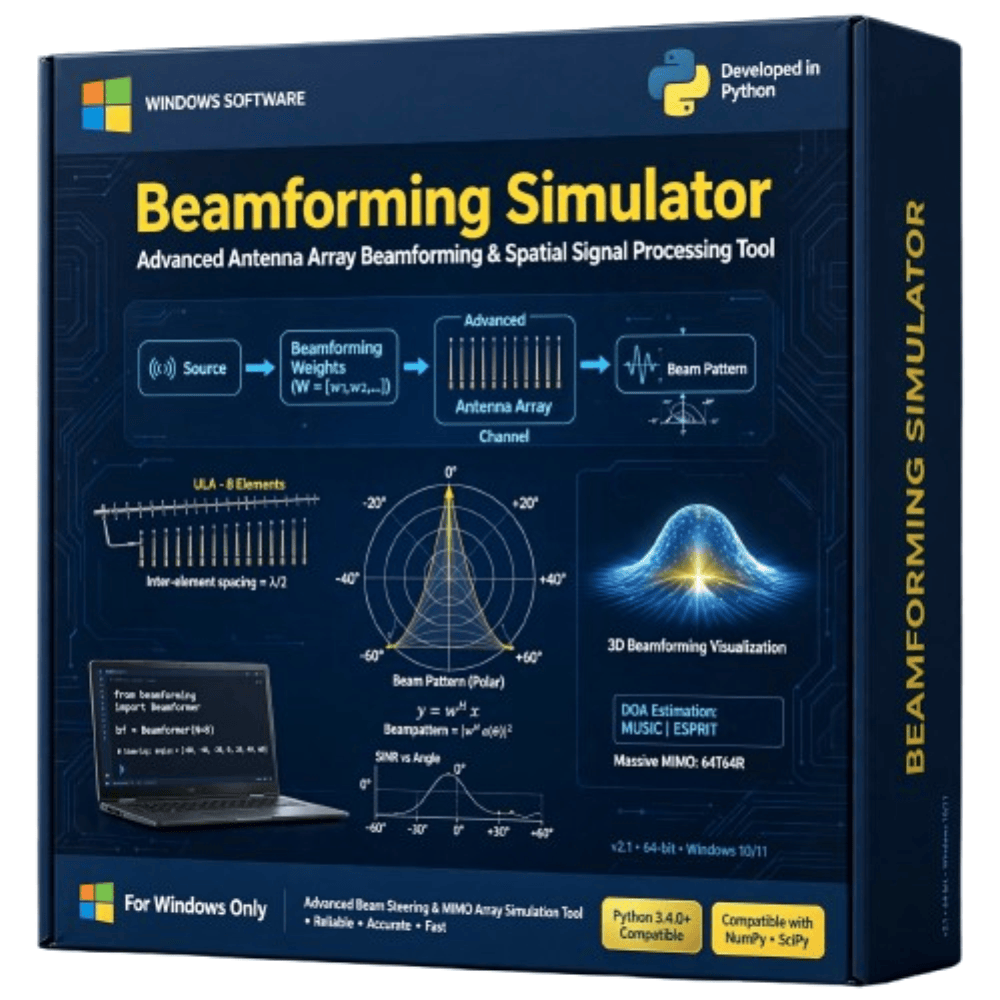
The Beamforming Simulator is a practical wireless communication simulation project designed to demonstrate how antenna arrays can control and direct radio-frequency signals toward desired users or directions. The simulator helps visualize beam patterns, signal direction, antenna-array behavior, and beam steering under different parameters. It is suitable for studying beamforming, antenna arrays, MIMO, 5G communication, wireless networks, and signal processing. This project is ideal for engineering students, researchers, and learners working on wireless communication and advanced antenna technologies.
₹1,999.00

Reviews
There are no reviews yet.