
New

Switching Fundamentals

₹ 749.00
In StockThe Switching Fundamentals Simulators are a comprehensive collection of 25 independent, interactive learning simulators developed using HTML, CSS, and JavaScript. Designed to enhance conceptual understanding through hands-on experimentation, these simulators cover essential concepts and practical aspects of switching fundamentals in electrical and electronic systems. Each simulator focuses on a specific topic and provides an interactive environment where learners can explore switching operations, observe system responses, modify input parameters, and understand the underlying principles through real-time visualizations. The package combines an intuitive user interface with browser-based functionality, making the simulators easy to access and use without requiring additional software installation. As independent modules, all 25 simulators can be used individually for focused learning, demonstrations, and self-paced practice. This interactive package aims to bridge the gap between theoretical knowledge and practical understanding, making the learning of switching fundamentals more engaging, accessible, and effective for students, educators, and technical professionals.
Description
Switching Fundamentals – Complete Interactive Network Switching Simulator Package
Switching Fundamentals is a comprehensive, interactive learning package designed to help students, networking beginners, IT professionals, and aspiring network engineers understand the core concepts and practical operations of network switching. Developed using HTML, CSS, and JavaScript, this collection combines theoretical explanations, interactive visualizations, hands-on simulators, and knowledge assessments to make learning networking concepts more engaging, practical, and effective.
The package covers essential Layer 2 networking concepts, including Ethernet switching, MAC addressing, MAC address learning, switching tables, broadcast domains, collision domains, unicast communication, multicast traffic, and broadcast traffic. Instead of relying entirely on static documentation, learners can explore how network switches operate through interactive simulations that demonstrate packet forwarding, address learning, traffic flow, and switching behavior in a visual and easy-to-understand environment.
One of the key features of Switching Fundamentals is its collection of interactive traffic and switching simulators. Learners can experiment with unicast, multicast, and broadcast traffic to understand how different types of network communication work. The Broadcast Simulator, Unicast Traffic Interactive Simulators, and Multicast Simulator demonstrate how frames travel across network segments and how switches handle different traffic destinations. Dedicated simulators for broadcast domains and collision domains further explain how network segmentation influences traffic distribution and network performance. The Switch vs Hub Simulator also provides a practical comparison of how hubs and switches handle network traffic.
The package also provides an in-depth exploration of MAC addressing and switching operations. Through the MAC Address Fundamentals and MAC Address Learning Process modules, learners can understand how switches identify devices and dynamically build their forwarding tables. The CAM Table Simulator and MAC Table Simulator offer interactive demonstrations of how MAC address tables work, how entries are learned, and how switches make forwarding decisions based on destination MAC addresses. The Switch Packet Flow Simulator and Network Switch Simulator provide additional practical insights into frame processing and packet movement through a switching environment.
For learners interested in practical switch configuration, this collection includes interface configuration and command-based simulators. The Interface Configuration Simulator, Switch Command Simulators, and Switch Interface Types Simulator introduce important switching configuration concepts and common interface operations. Additional modules covering access ports, switch deployment basics, and enterprise switching provide a broader understanding of how switching technologies are implemented in real-world networks.
Troubleshooting and network monitoring are also important parts of this learning package. The Port Troubleshooting module, Interface Errors Explained, Switch Logs Explained, and Switch Monitoring modules introduce common switch-related issues, interface errors, log interpretation, and monitoring concepts. These resources help learners develop a structured approach to identifying and understanding network connectivity and switching problems. The Basic Switch Assessment provides an opportunity to evaluate knowledge and reinforce the concepts covered throughout the package.
Whether you are preparing for networking certifications such as CCNA, studying computer networking fundamentals, building practical networking knowledge, or exploring enterprise switching technologies, Switching Fundamentals offers a structured and interactive learning experience.
All simulators are developed using lightweight web technologies—HTML, CSS, and JavaScript—making them suitable for browser-based learning without requiring specialized networking hardware or complex software installations.
Key Benefits:
- Learn fundamental Layer 2 switching concepts through interactive simulations.
- Understand unicast, multicast, and broadcast traffic behavior.
- Explore MAC address learning, CAM tables, and MAC address forwarding.
- Practice basic switch interface and command configuration concepts.
- Understand access ports, interface types, and switch deployment.
- Develop troubleshooting and monitoring knowledge.
- Reinforce learning through practical demonstrations and assessments.
- Build a strong foundation for CCNA and other networking certifications.
Complete Simulator and Learning Module Collection

-
Network Switching Fundamentals
- enterprise_switching_overview.html – Enterprise Switching Overview
- switch_deployment_basics.html – Switch Deployment Basics
- network_switch_simulator.html – Network Switch Simulator
- switch_vs_hub_simulator.html – Switch vs Hub Simulator
- Basic_Switch_Assessment.html – Basic Switch Assessment

-
MAC Address Learning and Switching Tables
- mac_address_fundamentals.html – MAC Address Fundamentals
- mac_address_learning_process.html – MAC Address Learning Process
- cam-table-simulator.html – CAM Table Simulator
- MAC_Table_Simulator.html – MAC Table Simulator

-
Ethernet Traffic and Switching Behavior
- Broadcast-simulator.html – Broadcast Simulator
- broadcast_domains_interactive_simulator.html – Broadcast Domains Interactive Simulator
- collision_domains_interactive_simulator.html – Collision Domains Interactive Simulator
- multicast-simulator.html – Multicast Simulator
- unicast_traffic_interactive_simulator.html – Unicast Traffic Interactive Simulator
- unicast_traffic_interactive_simulator_2.html – Unicast Traffic Interactive Simulator – Part 2
- Switch_Packet_Flow_Simulator.html – Switch Packet Flow Simulator
-
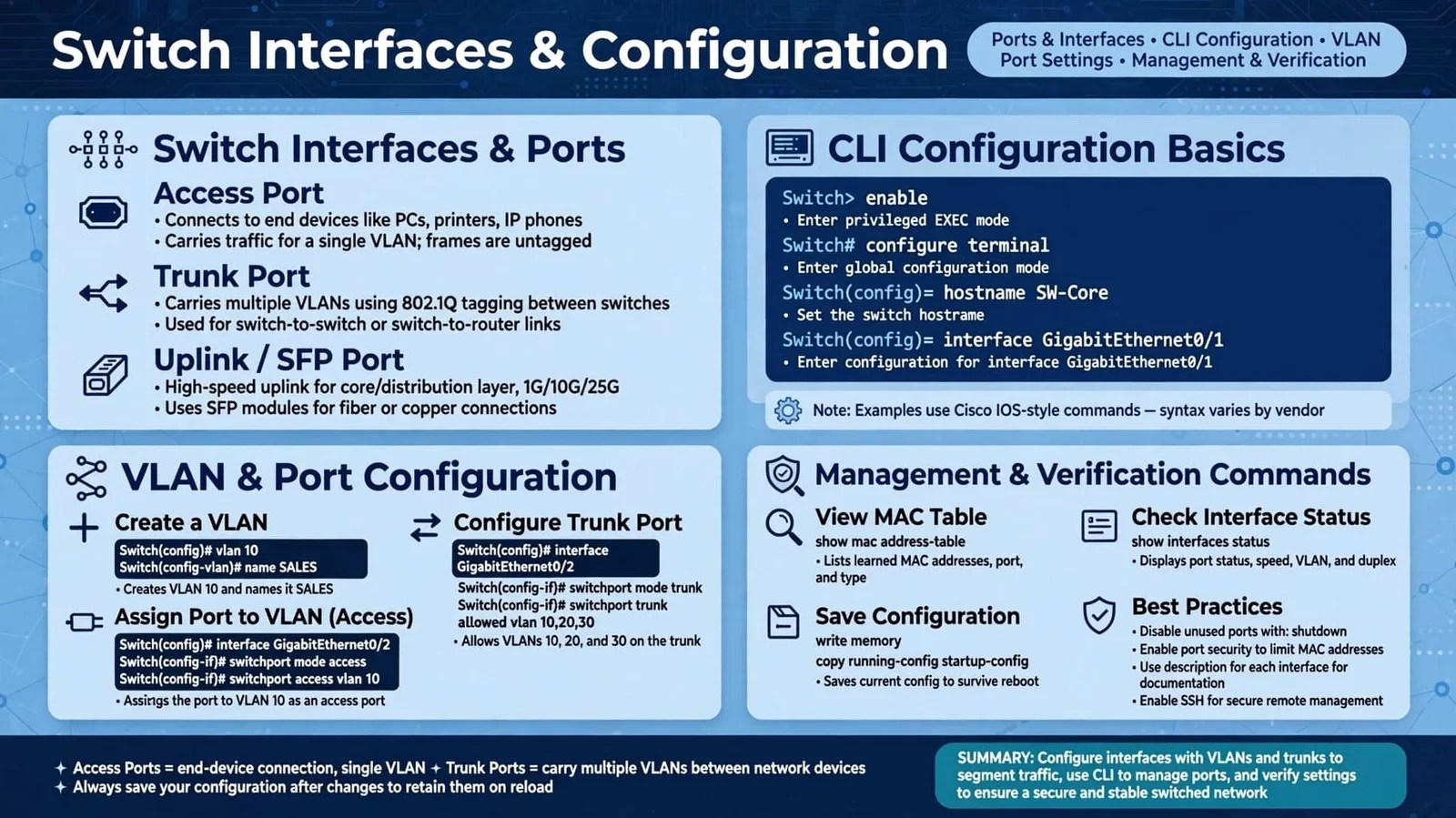
Switch Interfaces and Configuration
- access_ports_explained.html – Access Ports Explained
- Interface_Configuration_Simulator.html – Interface Configuration Simulator
- switch_interface_types_simulator.html – Switch Interface Types Simulator
- switch_command_simulator.html – Switch Command Simulator
- switch_command_simulator_1.html – Switch Command Simulator – Part 2

-
Switch Troubleshooting and Monitoring
- Interface_Errors_Explained.html – Interface Errors Explained
- Port_Troubleshooting.html – Port Troubleshooting
- Switch_Logs_Explained.html – Switch Logs Explained
- Switch_Monitoring.html – Switch Monitoring
What You Will Learn
Through these interactive resources, learners can explore Ethernet frame forwarding, unicast, multicast and broadcast communication, MAC address learning, CAM and MAC table operations, broadcast and collision domains, switch interfaces, access ports, command-line configuration concepts, interface troubleshooting, switch logs, and network monitoring.
The simulators allow learners to visualize switching operations and experiment with networking concepts in a browser-based environment without requiring physical switches or expensive networking laboratory equipment.
Key Features
- 25 interactive networking simulators and learning modules.
- Developed using HTML, CSS, and JavaScript.
- Browser-based learning environment.
- Visual demonstrations of Layer 2 switching operations.
- Interactive MAC address and switching table simulations.
- Practical switch configuration and troubleshooting exercises.
- Ethernet traffic flow and packet forwarding demonstrations.
- Knowledge assessment for reinforcing fundamental concepts.
- Suitable for networking students, self-learners, and certification preparation.
Whether you are learning computer networking for the first time, preparing for the Cisco CCNA certification, or strengthening your understanding of Ethernet switching, this package provides a structured and practical learning environment.
Switching Fundamentals brings networking theory and practical demonstrations together in one comprehensive collection, helping learners build a strong foundation in Layer 2 networking, Ethernet switching, and enterprise network operations.
Related products
-
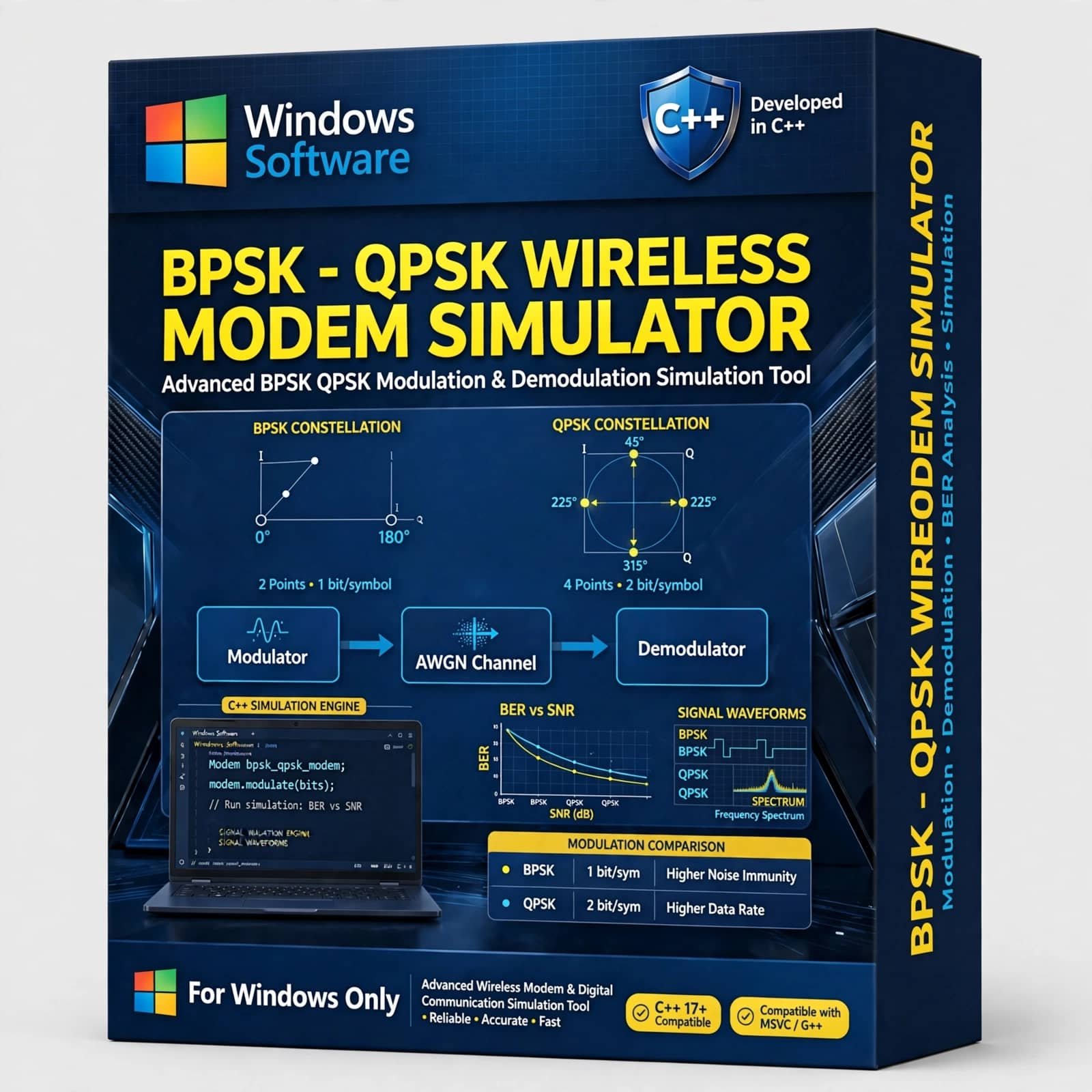
The BPSK – QPSK WIRELESS MODEM SIMULATOR with C++ is a software-based digital communication simulation tool designed for studying, demonstrating, and analyzing BPSK and QPSK modulation and demodulation techniques. Developed using C++, this wireless modem simulator provides a practical environment for understanding how digital information is converted into modulated signals, transmitted through a communication channel, received, and recovered at the receiver.
Designed for electronics and communication engineering laboratories, universities, colleges, research institutions, and technical training environments, the BPSK–QPSK simulator helps students and professionals connect digital communication theory with practical software implementation. It is suitable for learning fundamental concepts related to digital modulation, wireless communication, signal processing, modem technology, and communication system design.
₹ 1,499.00 -
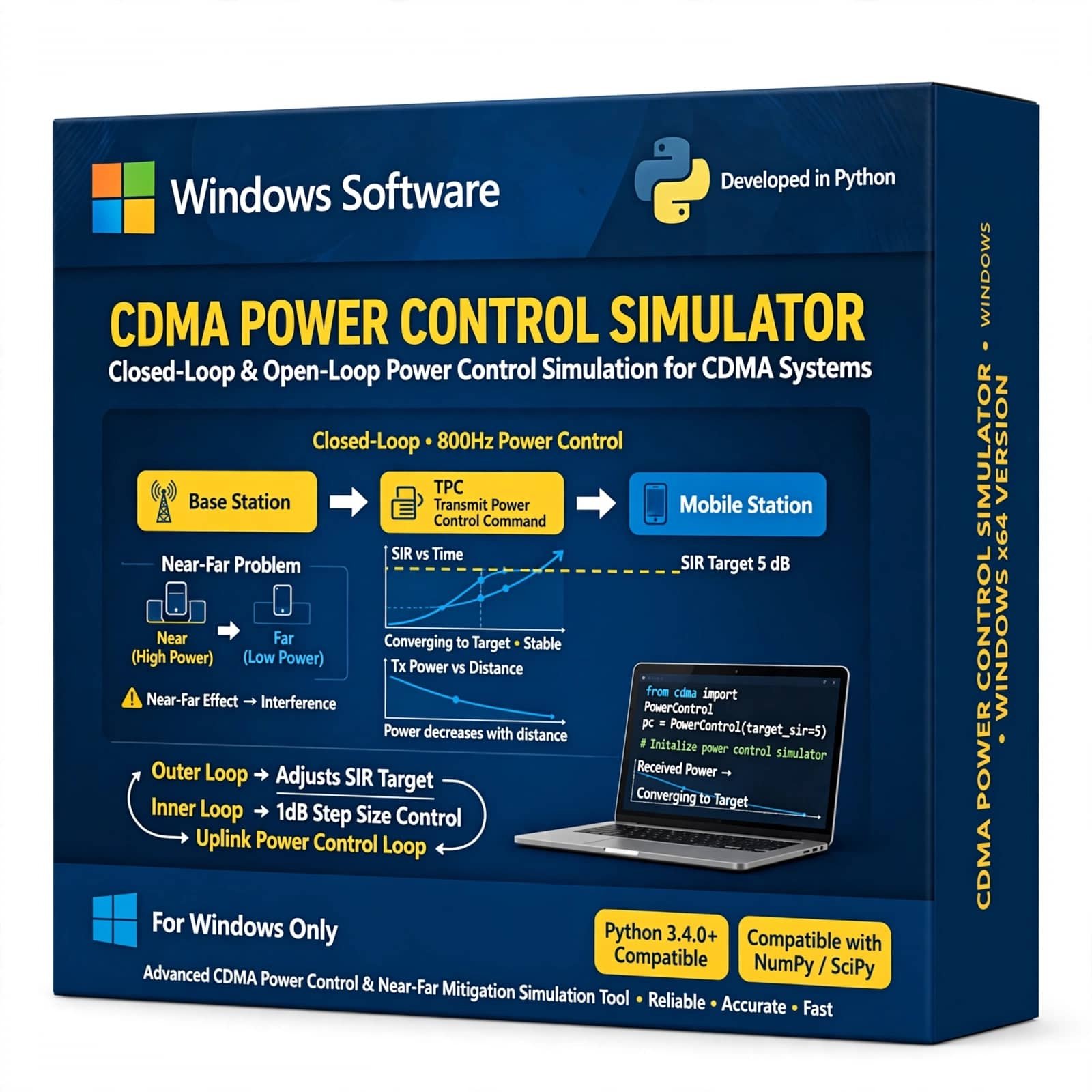
CDMA Power Control Simulator is an advanced communication engineering simulation tool designed to help students, researchers, and professionals understand and analyze power control techniques in Code Division Multiple Access (CDMA) wireless communication systems. It enables practical study of uplink and downlink power control, signal interference, power levels, and system performance.
₹ 999.00 -
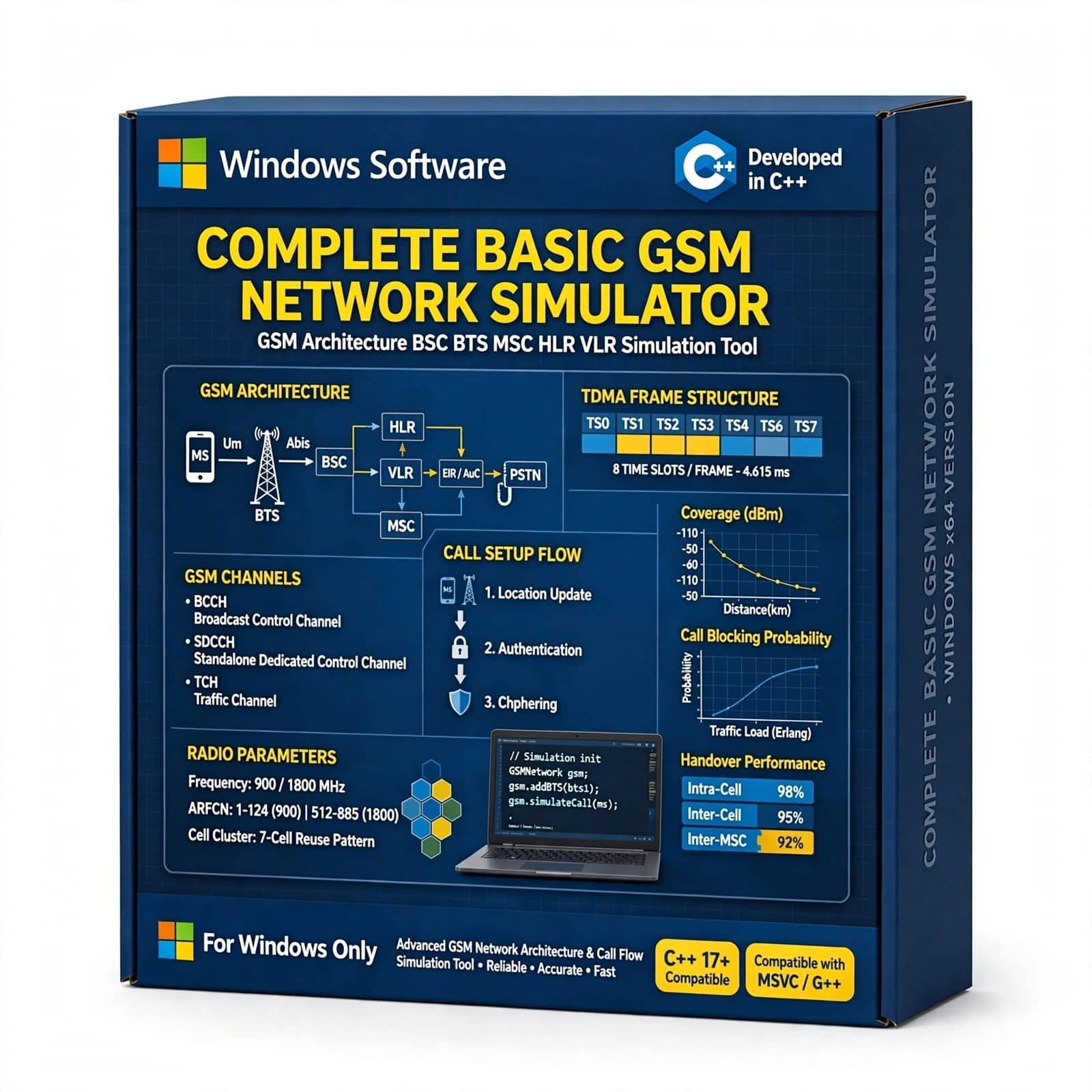
Complete Basic GSM Network with C++ is an educational and simulation-based project that demonstrates the fundamental architecture and operation of a GSM network using C++. It helps students and researchers understand GSM components, mobile communication, call and message handling, network signaling, and basic cellular network operations through a practical C++ implementation.
₹ 1,299.00 -
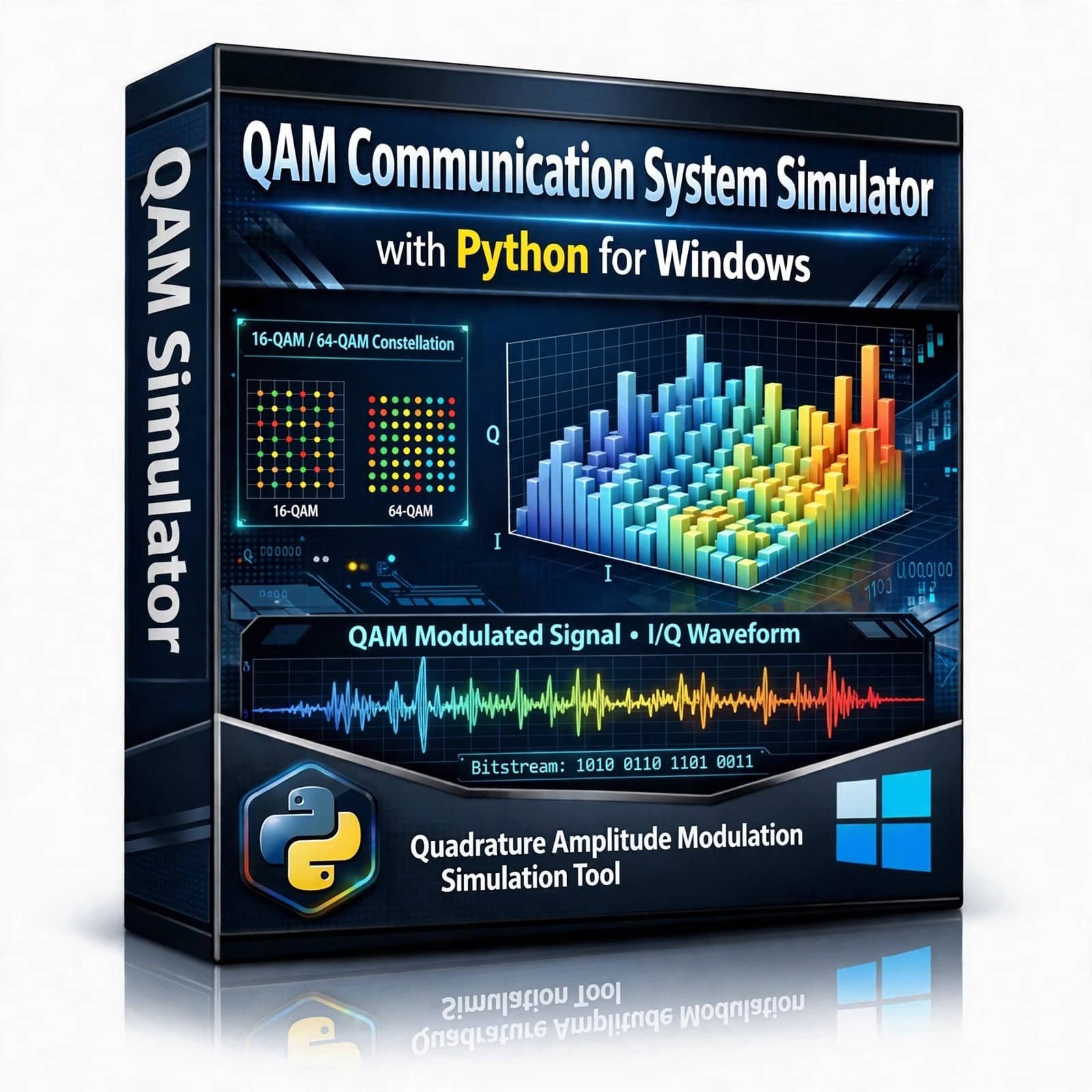
QAM Communication System Simulator – Explore and simulate Quadrature Amplitude Modulation (QAM) with this Python-based Communication System Simulator. Designed for students, researchers, and communication engineering enthusiasts, this project provides an interactive way to understand QAM modulation, signal transmission, noise effects, constellation diagrams, demodulation, and communication system performance using Python.
₹ 499.00 -
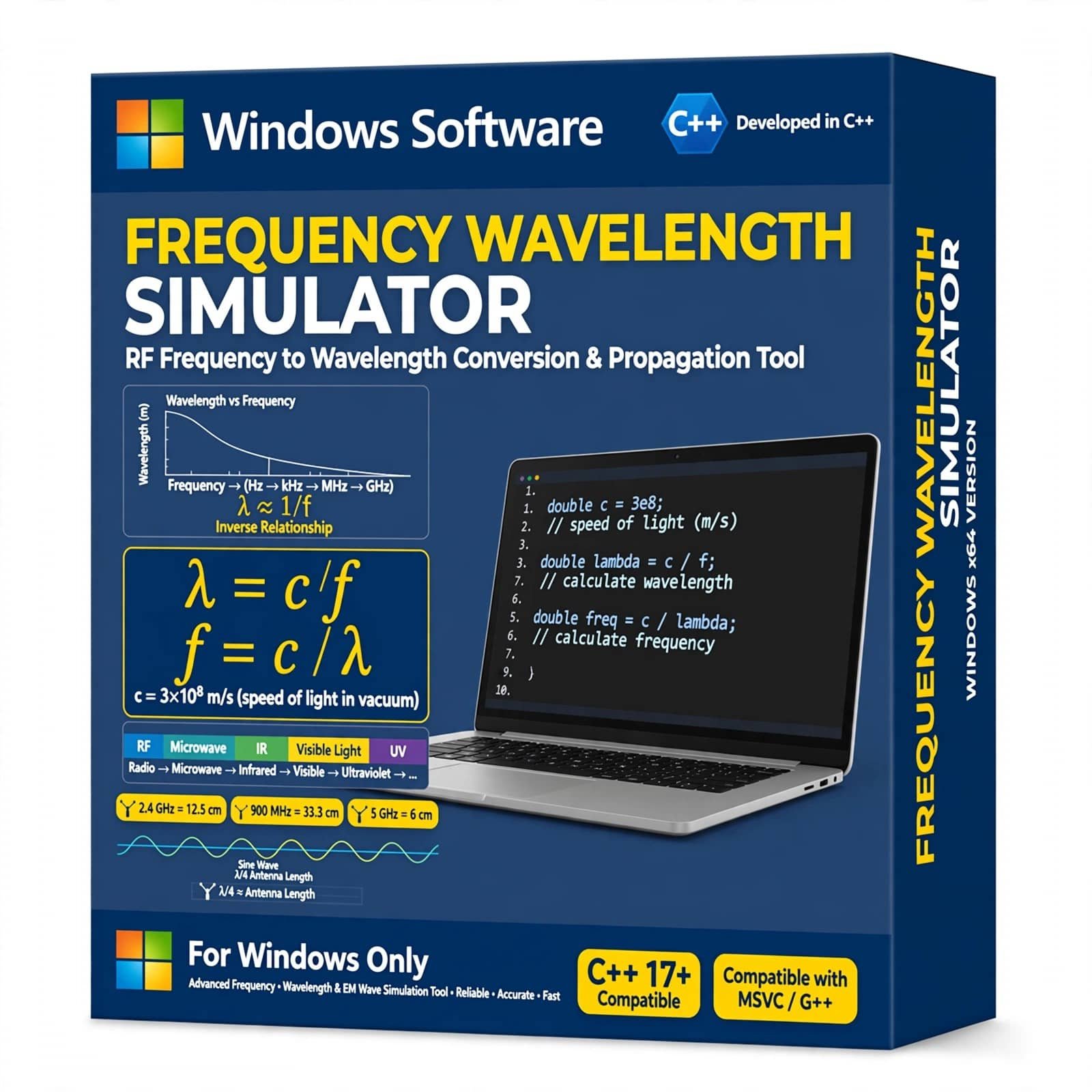
Frequency Wavelength Simulator with C++ is a practical simulation project designed to calculate and analyze the relationship between frequency, wavelength, and wave velocity. Developed using C++, this project provides an easy way to understand fundamental concepts of electromagnetic and communication waves through computer-based calculations.
It is ideal for B.Tech, M.Tech, ECE, electronics, telecommunication, physics, and engineering students looking for a useful C++ academic project. The simulator can be used to calculate wavelength from frequency, explore different frequency values, and understand how frequency and wavelength are related in wireless communication and electromagnetic wave propagation.
₹ 999.00 -
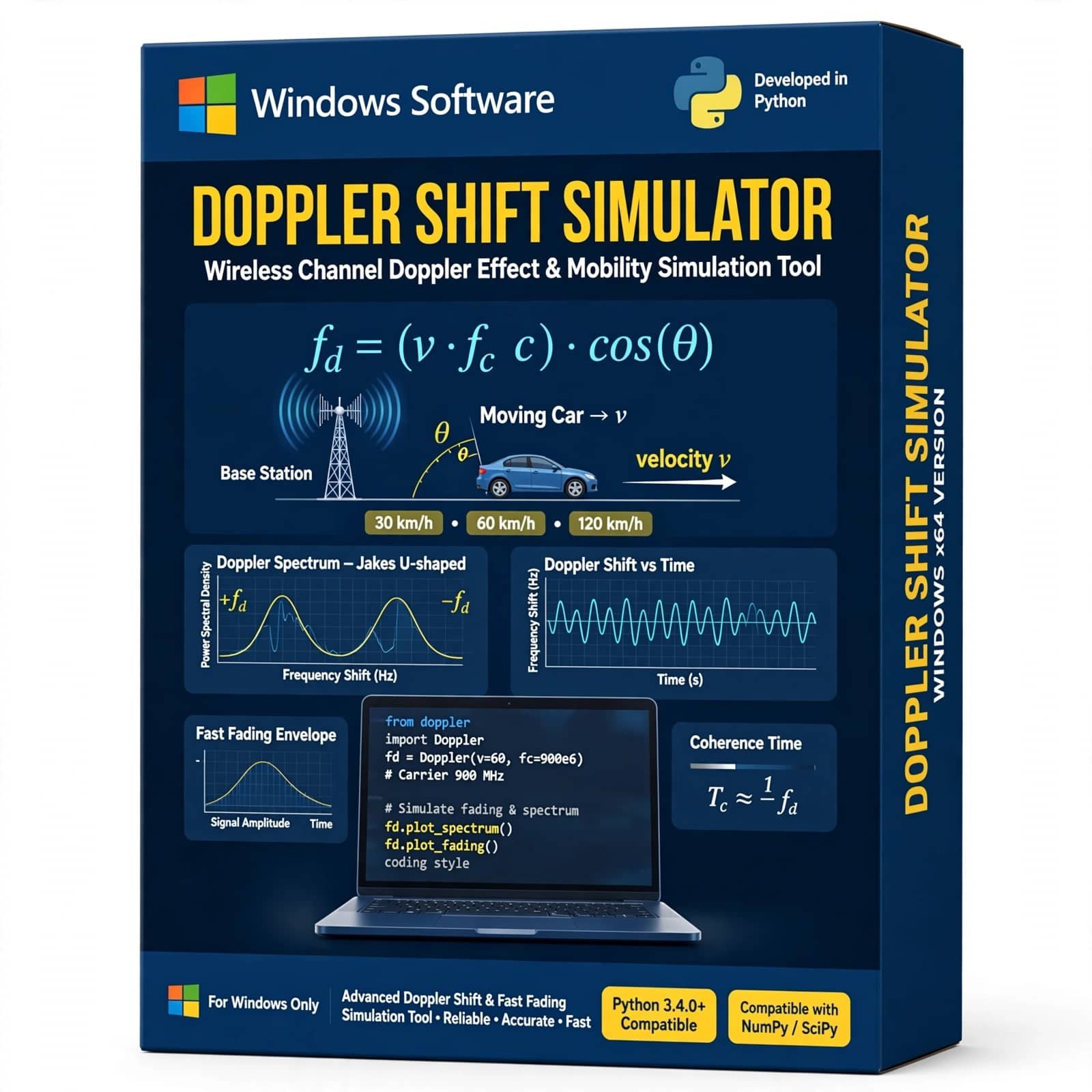
Doppler Shift Simulator Using Python is a practical wireless communication simulation tool for studying the Doppler effect and frequency shift caused by relative motion between a transmitter and receiver. It helps students, researchers, and communication engineers analyze Doppler frequency, carrier frequency, velocity, and mobile channel effects through Python-based simulation.
₹ 999.00


Reviews
There are no reviews yet.